Launch Pad · Manage
Drafts
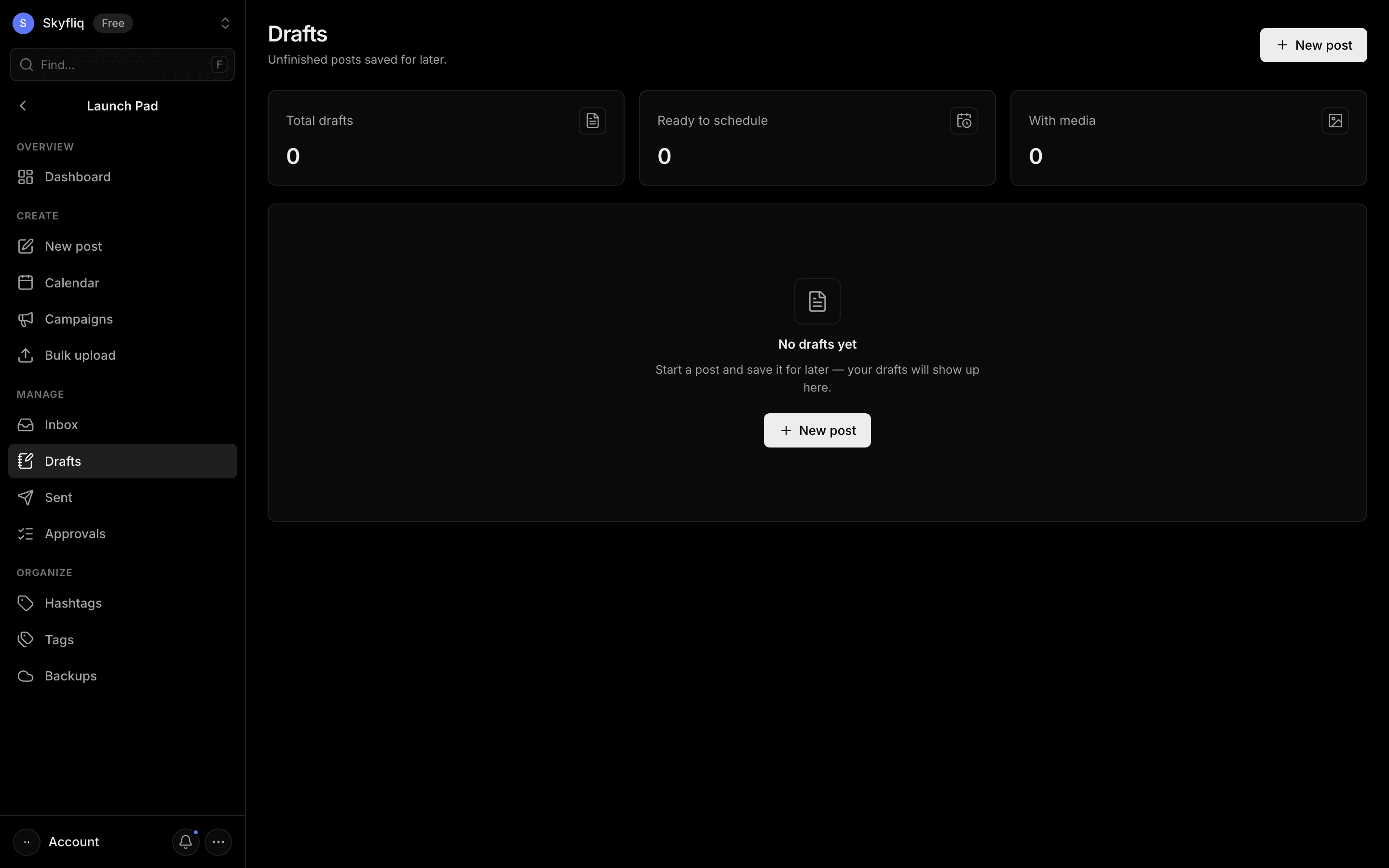
Grid of unfinished draft posts showing platforms, caption and media, with edit, duplicate and delete actions.
PurposeA holding area for unfinished posts saved for later, showing which are ready to schedule.
app.skyfliq.com/launchpad/drafts Open
How to use
- 1Scan the stat cards for total, ready and with-media counts.
- 2Open a draft's menu to Edit, Duplicate or Delete it.
- 3Click New post to start a fresh draft.
- 4Review each card's caption, channels and last-edited time.
Use caseReturn to a half-written post you saved earlier and finish it.