Launch Pad · Create
Calendar
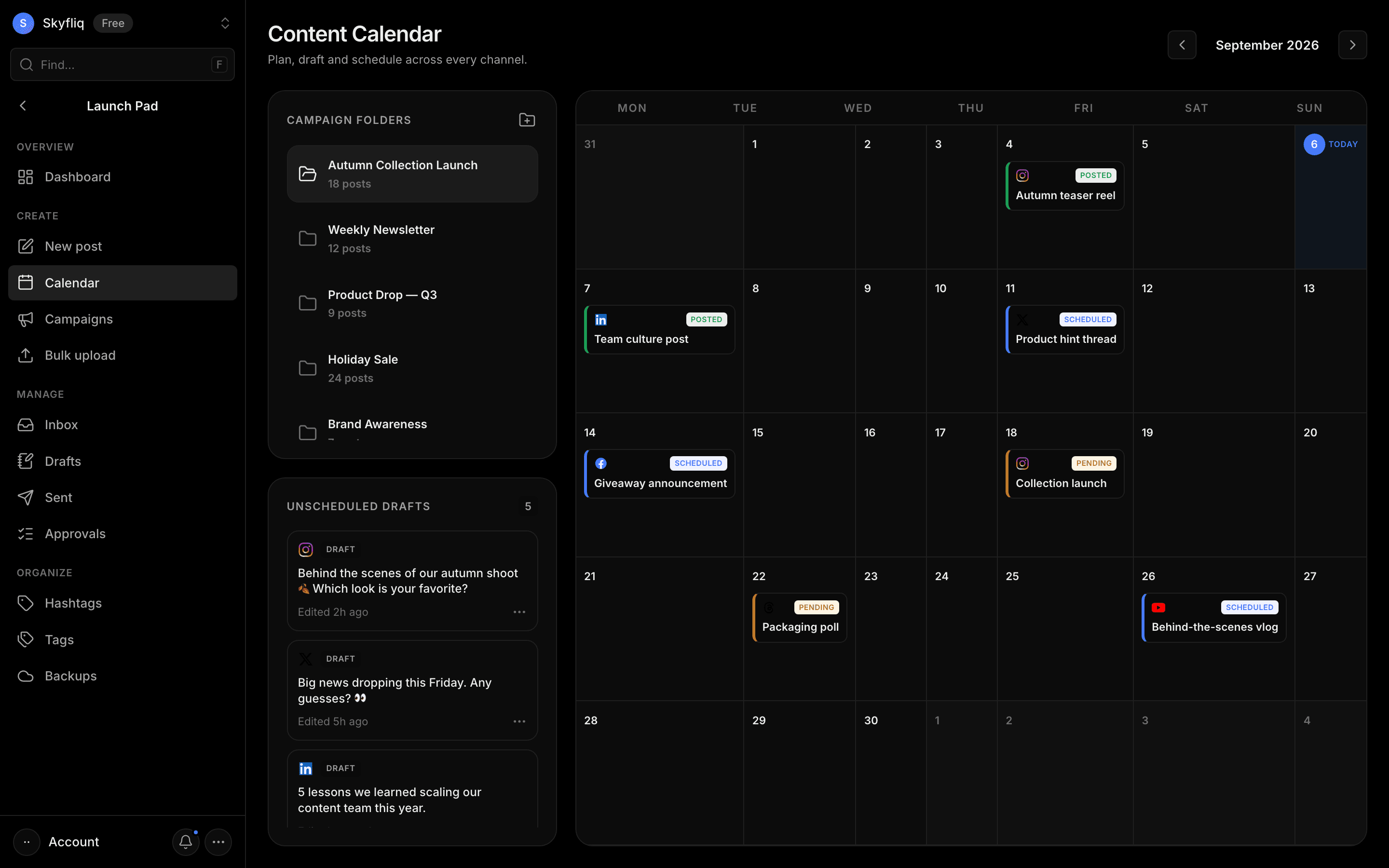
Content calendar with a monthly grid, campaign folders, and unscheduled drafts to plan posts per channel.
PurposeA content calendar to plan, draft and schedule posts across every channel by campaign folder and month.
app.skyfliq.com/launchpad/calendar Open
How to use
- 1Navigate months with the arrow buttons in the header.
- 2Browse Campaign Folders in the left sidebar.
- 3Review Unscheduled Drafts below the folders.
- 4Read scheduled and posted events on the month grid.
Use caseVisually plan which posts go out on which days across your campaigns.