Launch Pad · Create
Bulk upload
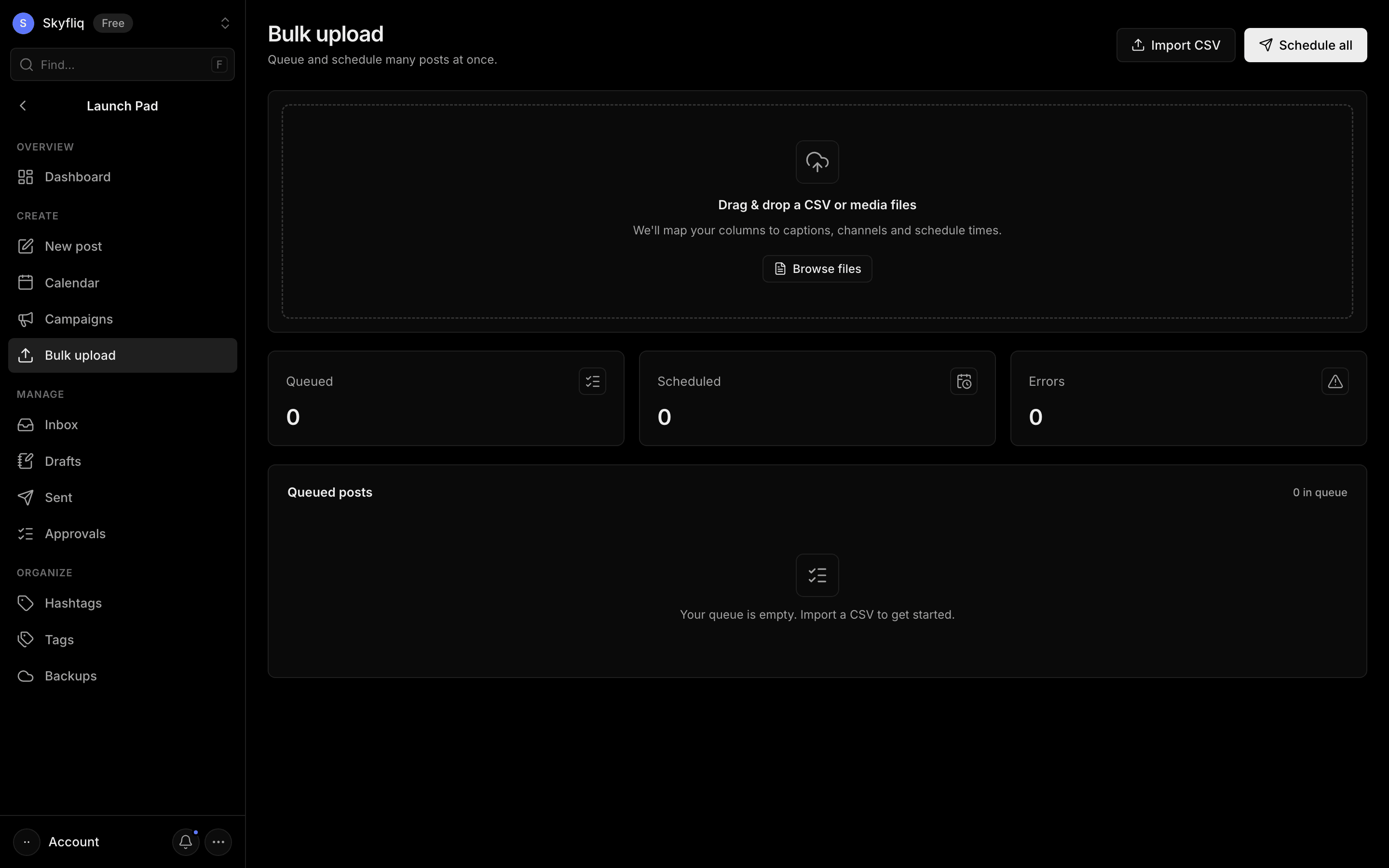
Bulk upload queue where you drop a CSV or media, review queued posts, and schedule many at once.
PurposeQueue and schedule many posts at once by importing a CSV or dropping media files.
app.skyfliq.com/launchpad/bulk Open
How to use
- 1Import a CSV or drag files onto the drop-zone.
- 2Review queued posts and their channels and status.
- 3Remove any unwanted rows with the trash icon.
- 4Click Schedule all to schedule every Ready post.
Use caseImport a spreadsheet of posts and schedule an entire month of content in one go.