Launch Pad · Organize
Backups
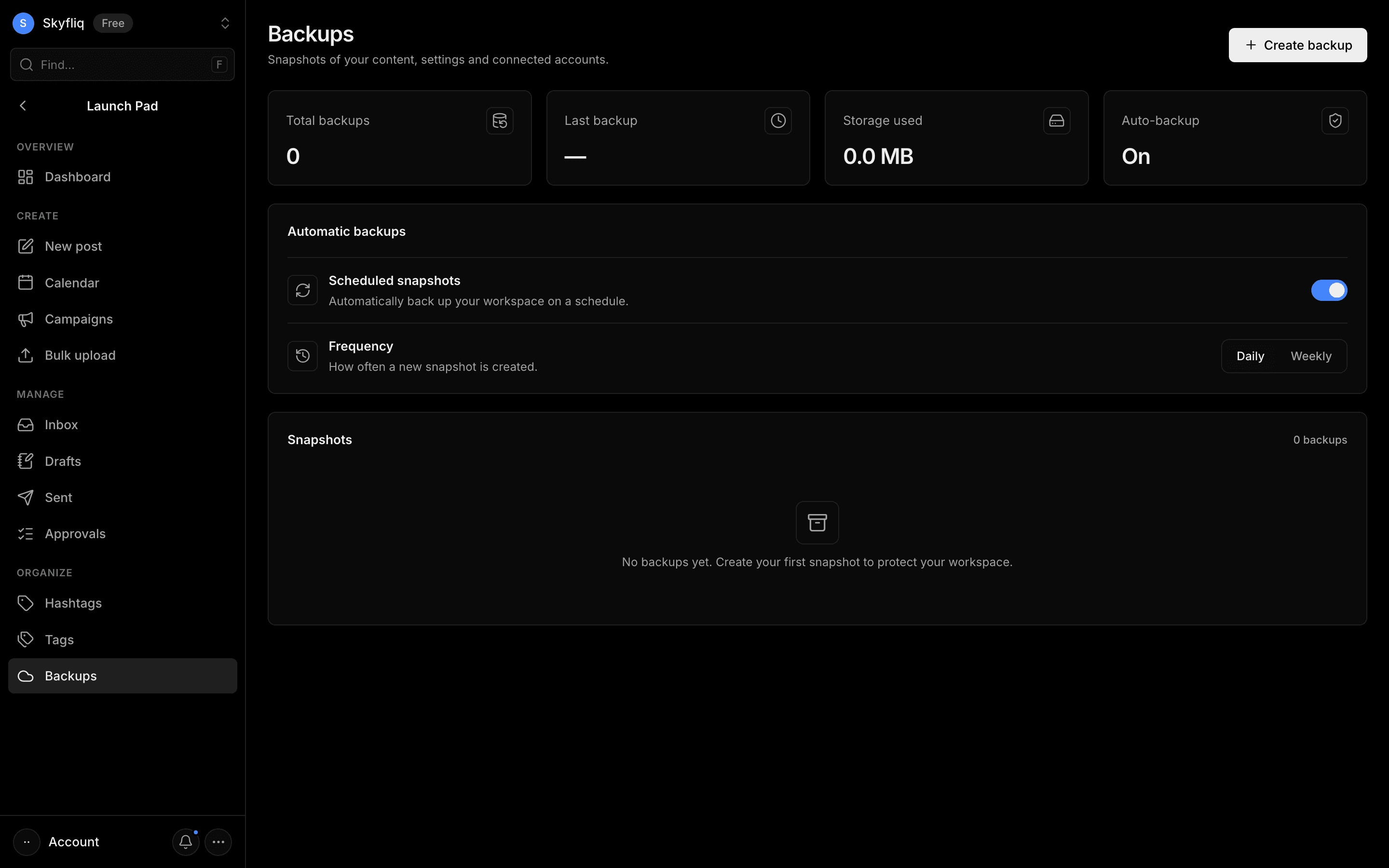
Snapshot manager of your content and settings with auto-backup scheduling plus restore, download and delete actions.
PurposeCreate and restore snapshots of your content, settings and connected accounts to protect your workspace.
app.skyfliq.com/launchpad/backups Open
How to use
- 1Click Create backup to take a manual snapshot.
- 2Toggle Automatic backups and pick a Daily or Weekly frequency.
- 3Review snapshots in the list with their size and status.
- 4Restore, Download or Delete a snapshot via its row actions.
Use caseRestore your workspace from a snapshot after an accidental change.