Launch Pad Campaigns
Campaign manager to create, edit, duplicate and track campaigns with objective, budget, channels, audience and reach/engagement/clicks stats.
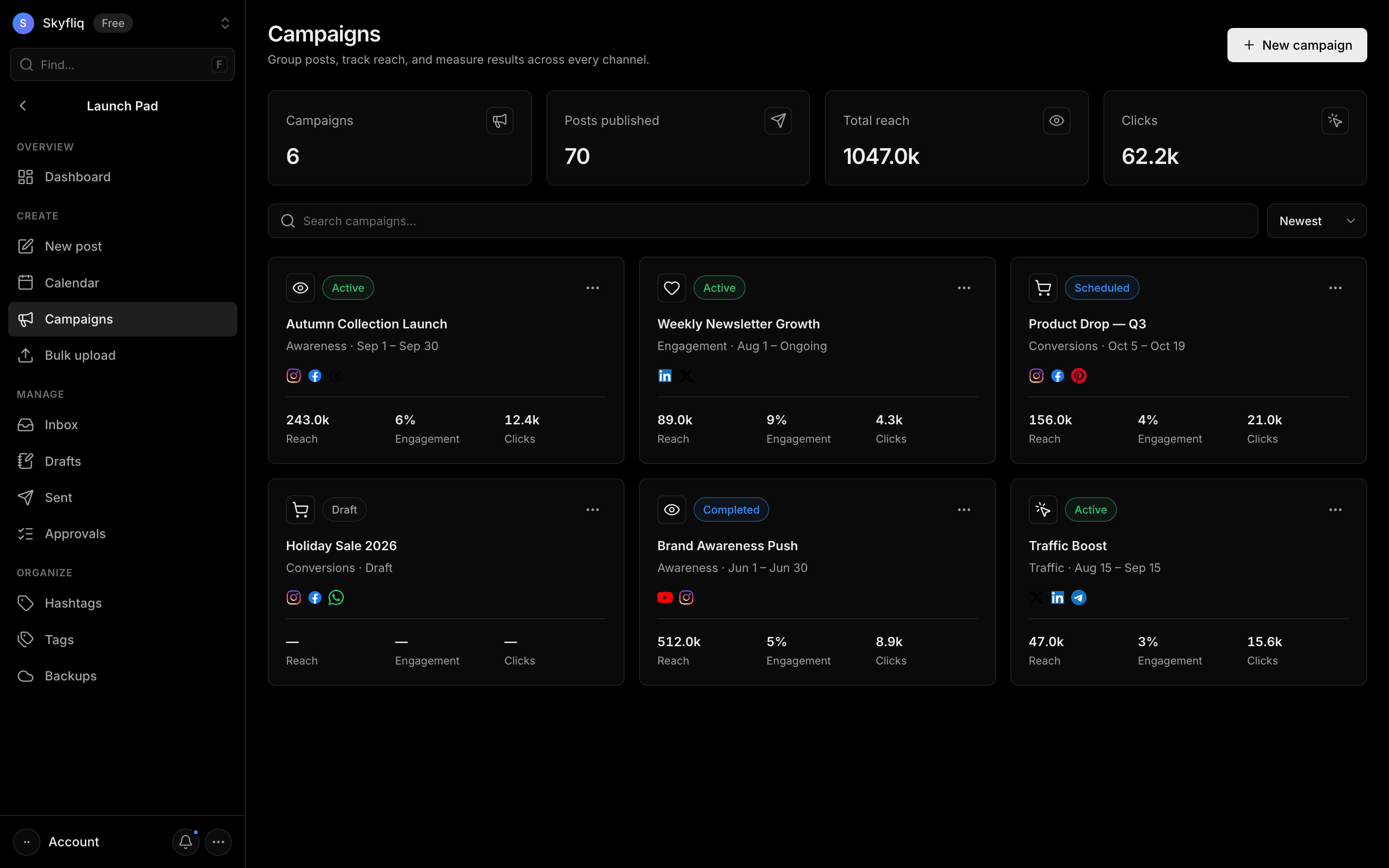
- 1Click New campaign and enter a name and objective.
- 2Set schedule dates, budget, channels and a brief.
- 3Click Launch campaign to save it.
- 4Click a campaign card to view its detail, or Edit/Duplicate/Delete via its menu.
About Launch Pad Campaigns
A campaign groups related posts — a product launch, a festival sale, a month of tips — so you can plan them together and see how they did as a set. Each campaign has a name, an objective (Awareness, Engagement, Conversions or Traffic), start and end dates, the channels it runs on, a brief with the key message, a target audience, a KPI goal such as "500 sign-ups" and an optional total budget for your own planning.
Once posts are assigned to a campaign (pick it in Post settings when you write a post), the campaign shows how many posts are published and queued, plus their reach and engagement. Duplicate a campaign to reuse its setup for next month's version, or edit and delete it from the card menu. Search finds a campaign by name when the list grows.
Common workflows
- Launch a product. Create a campaign with a Conversions objective, write the brief, then assign every launch post to it from New post.
- Repeat a monthly series. Duplicate last month's campaign, change the dates and add the new posts.
- Report results. Open the campaign to see posts published, posts queued, reach and engagement in one place.
Common questions
Does the budget spend money?
No. The budget field is for planning only; Launch Pad doesn't run paid ads. Paid campaigns are tracked in Ads Manager.
How do I add a post to a campaign?
In New post, open Post settings and choose the campaign, or click New campaign there to create one.
Which channels can a campaign include?
Any of the networks Launch Pad publishes to, such as Instagram, Facebook, X, LinkedIn, YouTube, Threads and Pinterest.
Related: Social media marketing strategy · Product launch marketing plan
Launch Pad is Skyfliq's social media scheduler. Comparing it with other tools? See Skyfliq as a Hootsuite alternative or a Buffer alternative.