Launch Pad · Manage
Approvals
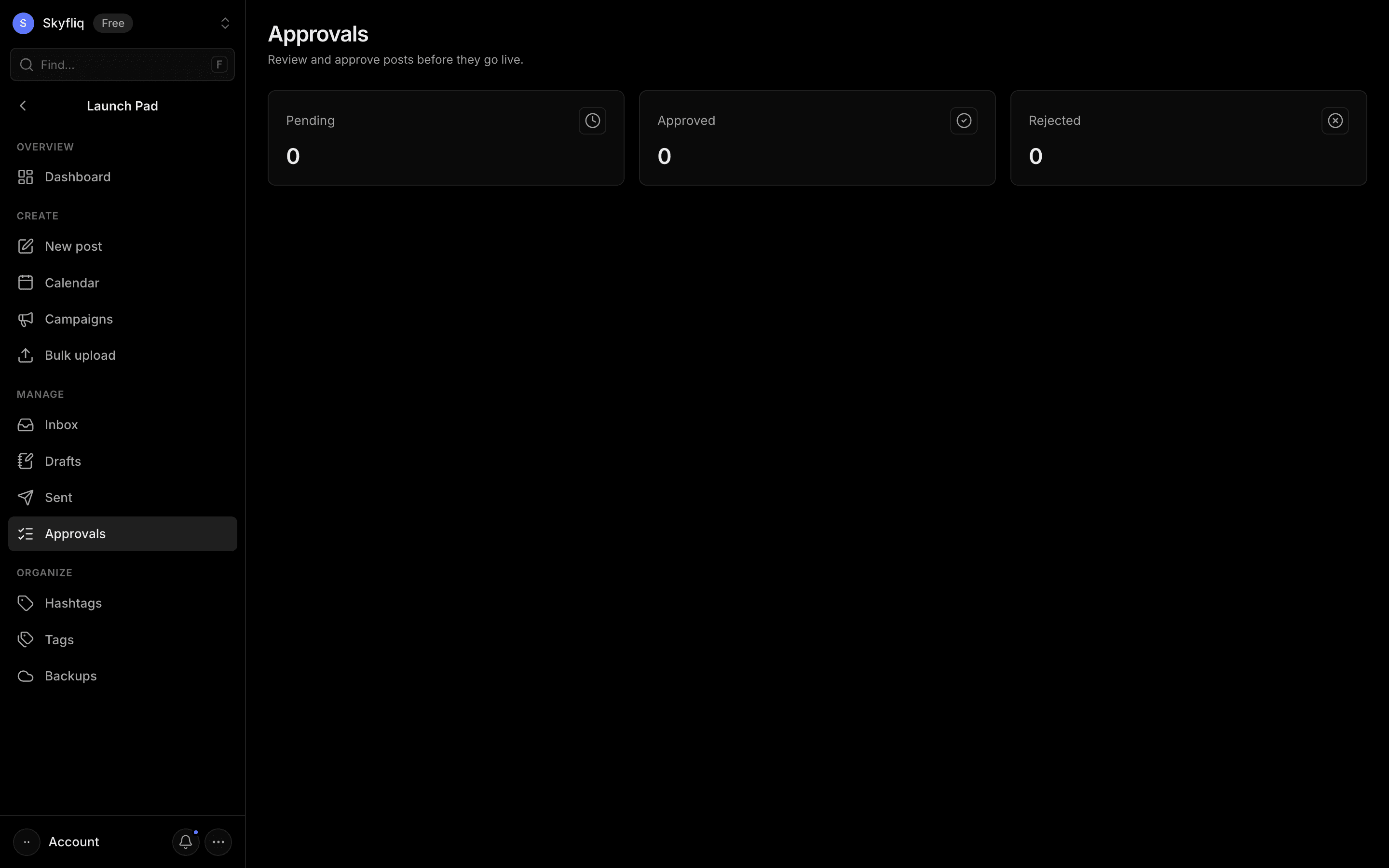
Review queue of posts awaiting approval, each with author, caption and schedule, plus approve/reject buttons.
PurposeA review queue where posts awaiting sign-off can be approved or rejected before they go live.
app.skyfliq.com/launchpad/approvals Open
How to use
- 1Check the Pending, Approved and Rejected stat cards.
- 2Read each queued post's author, caption and schedule.
- 3Click Approve to sign a post off.
- 4Click Reject to send it back.
Use caseApprove a teammate's drafted post before it goes live.