Launch Pad · Overview
Dashboard
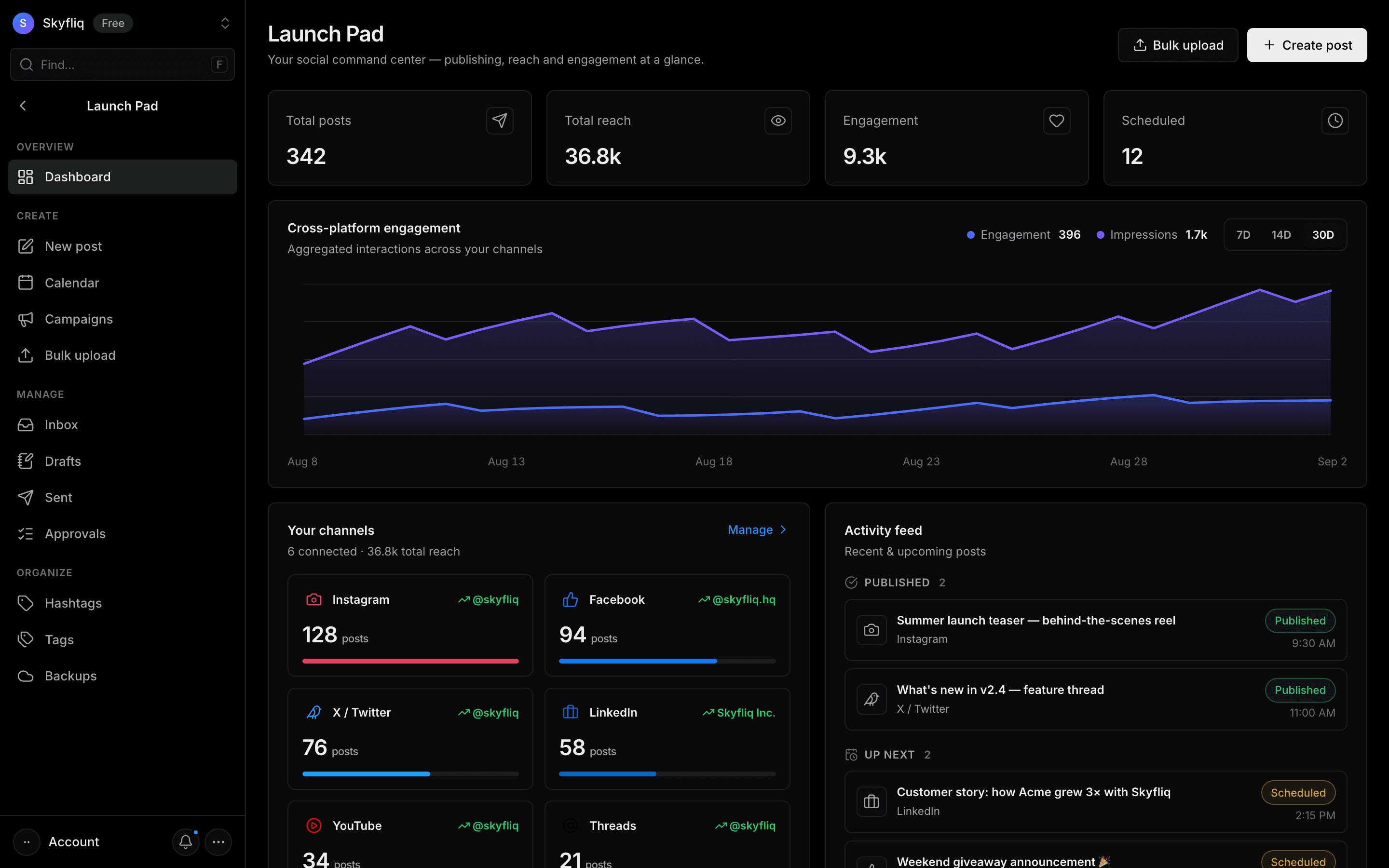
Launch Pad dashboard with publishing stats, engagement charts, channel ranking, activity feed, sentiment and best-time-to-post heatmap.
PurposeThe Launch Pad command center showing cross-platform analytics, channel share, recent activity and audience timing.
app.skyfliq.com/launchpad Open
How to use
- 1Check the four stat cards for posts, reach, engagement and scheduled.
- 2Toggle the chart range with the 7D/14D/30D buttons.
- 3Open the audience heatmap date picker to view active times.
- 4Use Create post or Bulk upload in the header.
Use caseReview how your published content is performing across all connected channels.