SEO · Keywords
Results History
In Skyfliq: SEO → Rankings → Results History tab
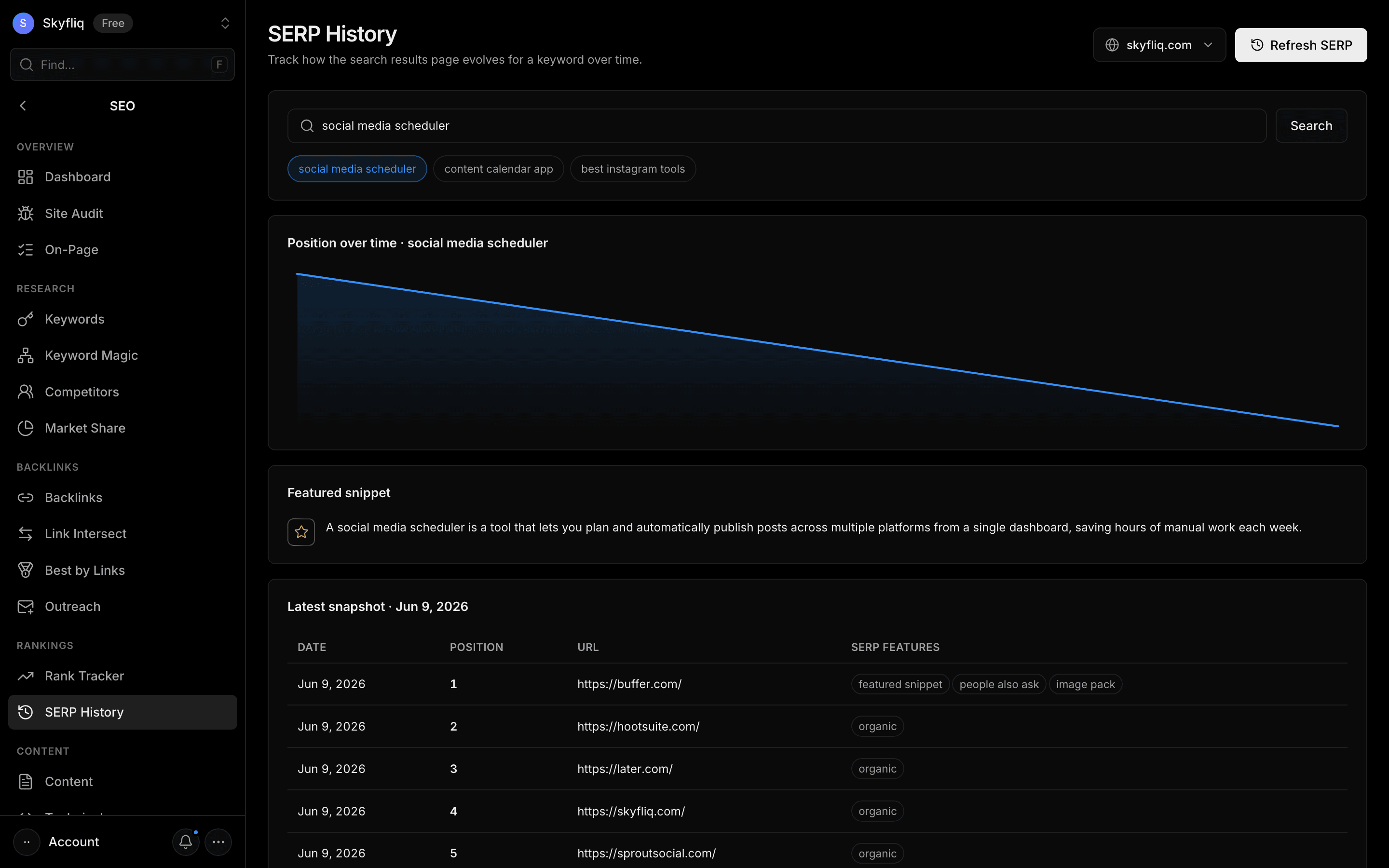
Rankings → Results History shows how Google’s search results for a keyword have changed over time — your position history, which pages ranked above you, featured snippets, People Also Ask questions, ads and other SERP features — from snapshots you take of the live results.
PurposeSee how Google’s results for a keyword change over time and why your ranking moved.
app.skyfliq.com/seo/serp_history Open
How to use
- 1Open SEO → Rankings → Results History
- 2Type the keyword you want to track
- 3Click Snapshot to save today’s Google results (top 20, features, People Also Ask)
- 4Take snapshots regularly — the position-over-time chart builds from them
- 5Compare snapshots to see who moved above you
Use caseUse it to see why a ranking moved and spot new SERP features you could win.