SEO · Overview
Page Fixer
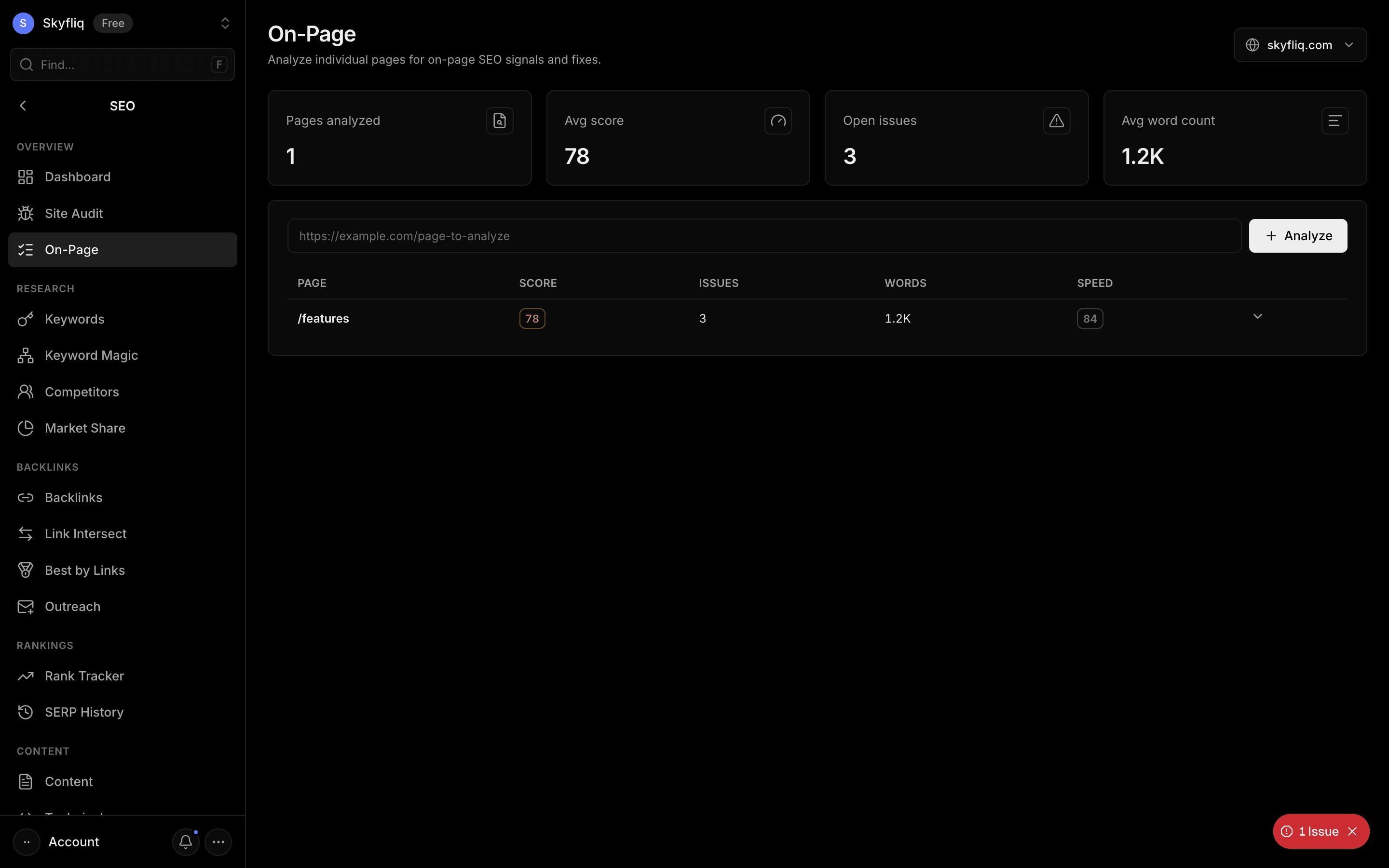
Page Fixer runs an on-page SEO check: title and meta description length, headings, word count, internal and external links, images missing alt text, canonical, Open Graph and structured data, page speed and an overall on-page score with a list of issues to fix — and on WordPress it can apply the fixes for you. The One Page tab checks a single URL; the Many Pages tab checks up to 50 URLs in one pass (each URL uses 1 paid lookup).
PurposeCheck on-page SEO for any page and get a clear list of what to fix.
app.skyfliq.com/seo/onpage Open
How to use
- 1Open SEO → Page Fixer and pick your project
- 2Paste the page URL on the One Page tab and click Analyse
- 3Review the on-page score and the issue list
- 4Fix title, meta description, headings, alt text and links first (or apply fixes on WordPress)
- 5Use the Many Pages tab to check up to 50 URLs at once
Use caseUse it to check a page before you publish it, or to find out why an existing page isn’t ranking.