SEO · Overview
Site Health
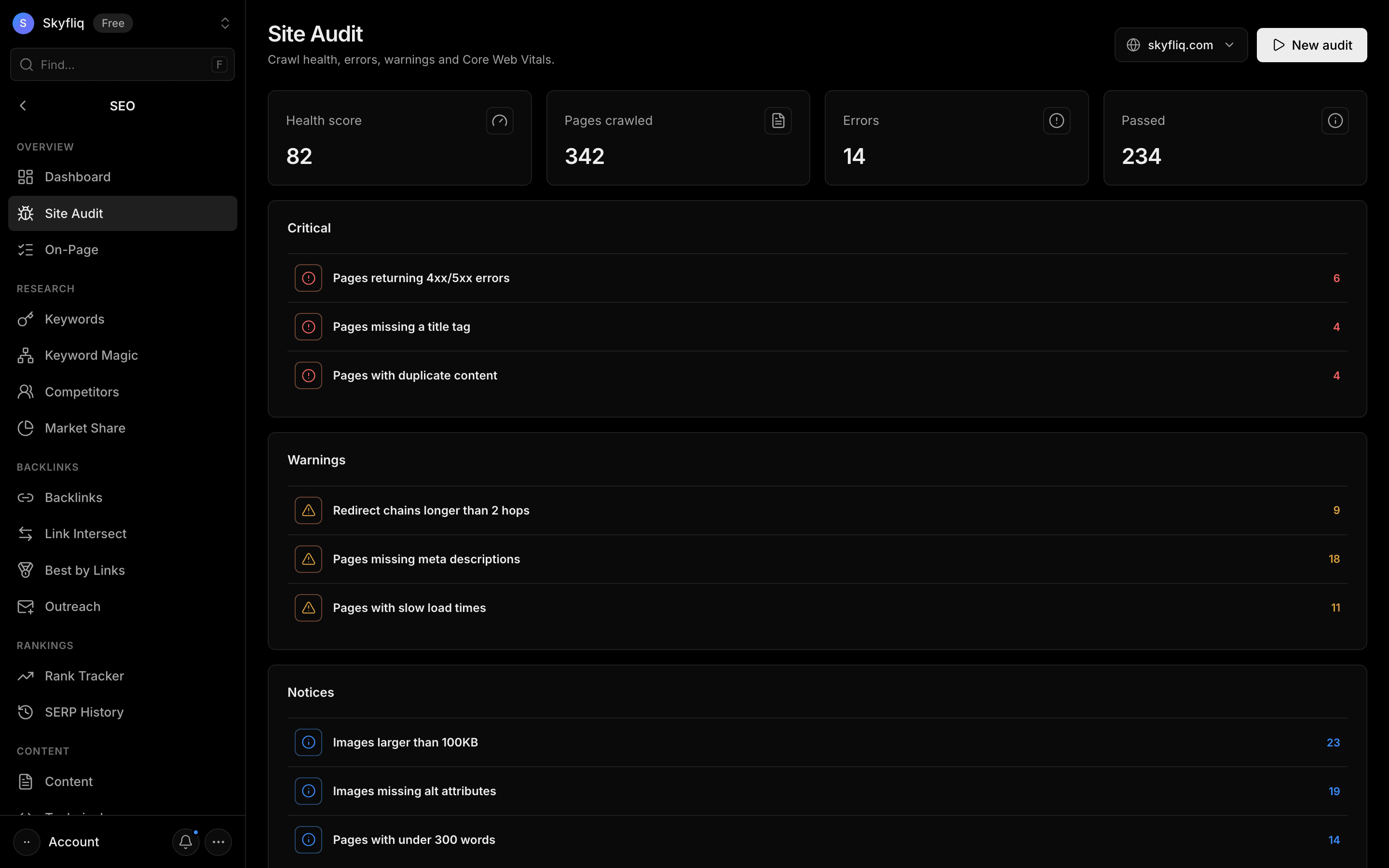
Site Health crawls your site (100, 500 or 1,000 pages), scores its health and groups problems by type — click any issue to see exactly which pages have it, export them as CSV, and compare any two audits. Tabs: Audit (the crawl), Speed & Tech (Core Web Vitals for your top pages, redirects, canonicals, hreflang, schema validation and internal-link suggestions) and Store Checks (product titles, Product schema, thin descriptions, filter URLs, image alts, stock and variants).
PurposeSurface crawl errors, warnings, and Core Web Vitals so you can fix what's hurting your site's technical health.
app.skyfliq.com/seo/audit Open
How to use
- 1Open SEO → Site Health
- 2Click New audit (or Run audit) on the Audit tab to crawl the site
- 3Expand Critical, Warnings, and Notices issue cards
- 4Open the Speed & Tech tab for Core Web Vitals and internal links
- 5Open the Store Checks tab if you sell online
Use caseRun it regularly to find and fix technical problems before they cost you rankings.