SEO · Tools
Reports
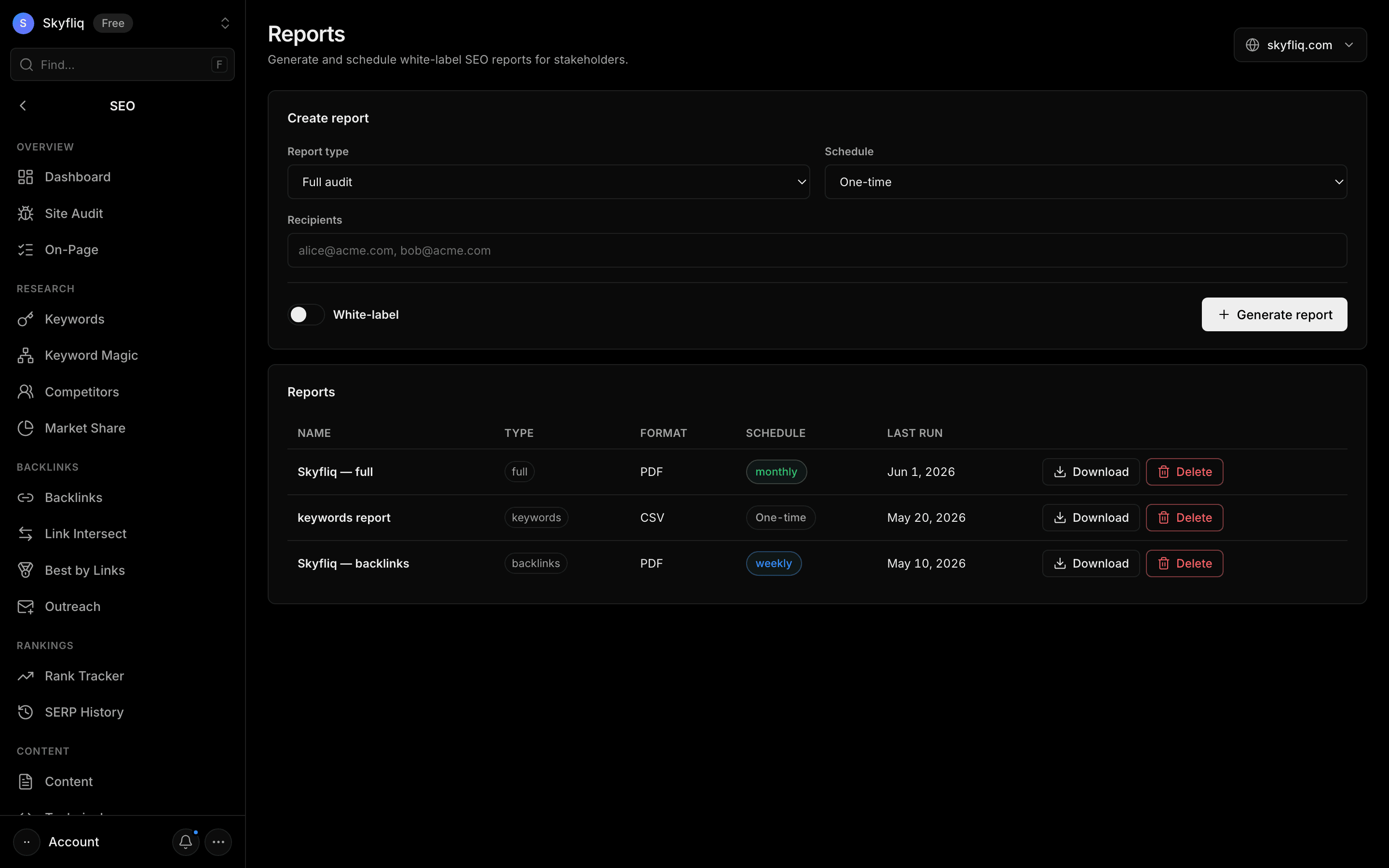
Reports turns the data your SEO tools already collected (full, audit, keywords, backlinks or rankings) into a branded PDF with your name, logo and colour — download it, email it, or schedule it weekly or monthly.
PurposeSend clients and your team branded SEO reports, once or on a schedule.
app.skyfliq.com/seo/reports Open
How to use
- 1Open SEO → Reports
- 2Pick a report type and add your branding
- 3Enter recipient emails and an optional weekly or monthly schedule
- 4Click Generate report, then download or email it
Use caseUse it to send clients or your team a recurring SEO report.