SEO · Backlinks
Backlinks
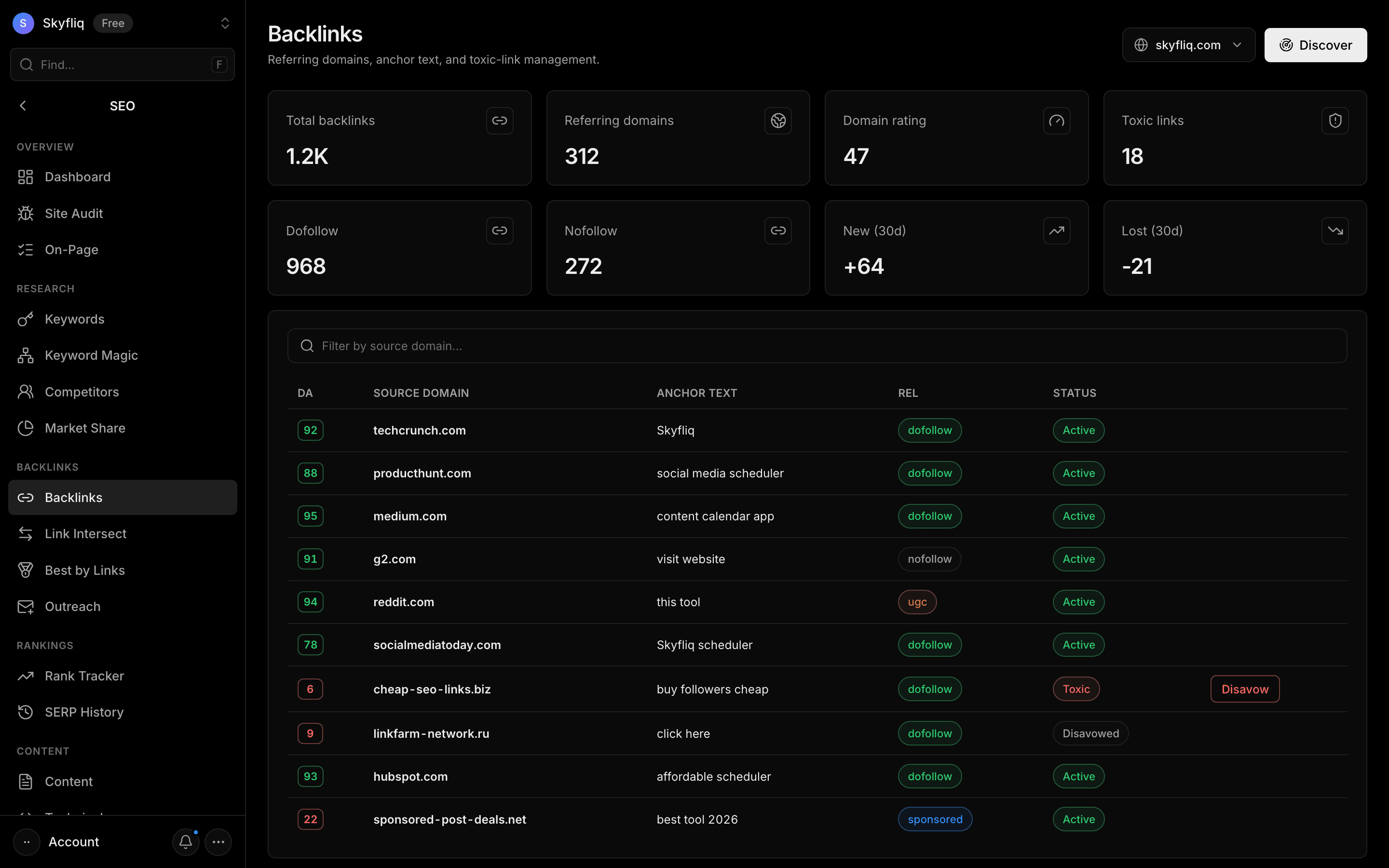
Backlinks shows your full backlink profile. Tabs: All Links (every link with filters, toxic links and a disavow list you can export for Google), Linking Sites (every website linking to you), Gained & Lost (links won and lost over time), Top Pages and Anchor Text.
PurposeManage your backlink profile — linking sites, anchors and toxic links — to strengthen and clean up your link authority.
app.skyfliq.com/seo/backlinks Open
How to use
- 1Open SEO → Backlinks
- 2Click Discover to load backlinks for the domain
- 3Filter and sort the All Links tab
- 4Click Disavow on any toxic link
- 5Use the Linking Sites, Gained & Lost, Top Pages and Anchor Text tabs for more
Use caseUse it to review your links, find bad ones and build your disavow file.