Email Templates
Template gallery to design, preview, duplicate, and reuse categorized email layouts with a drag-and-drop builder and brand color.
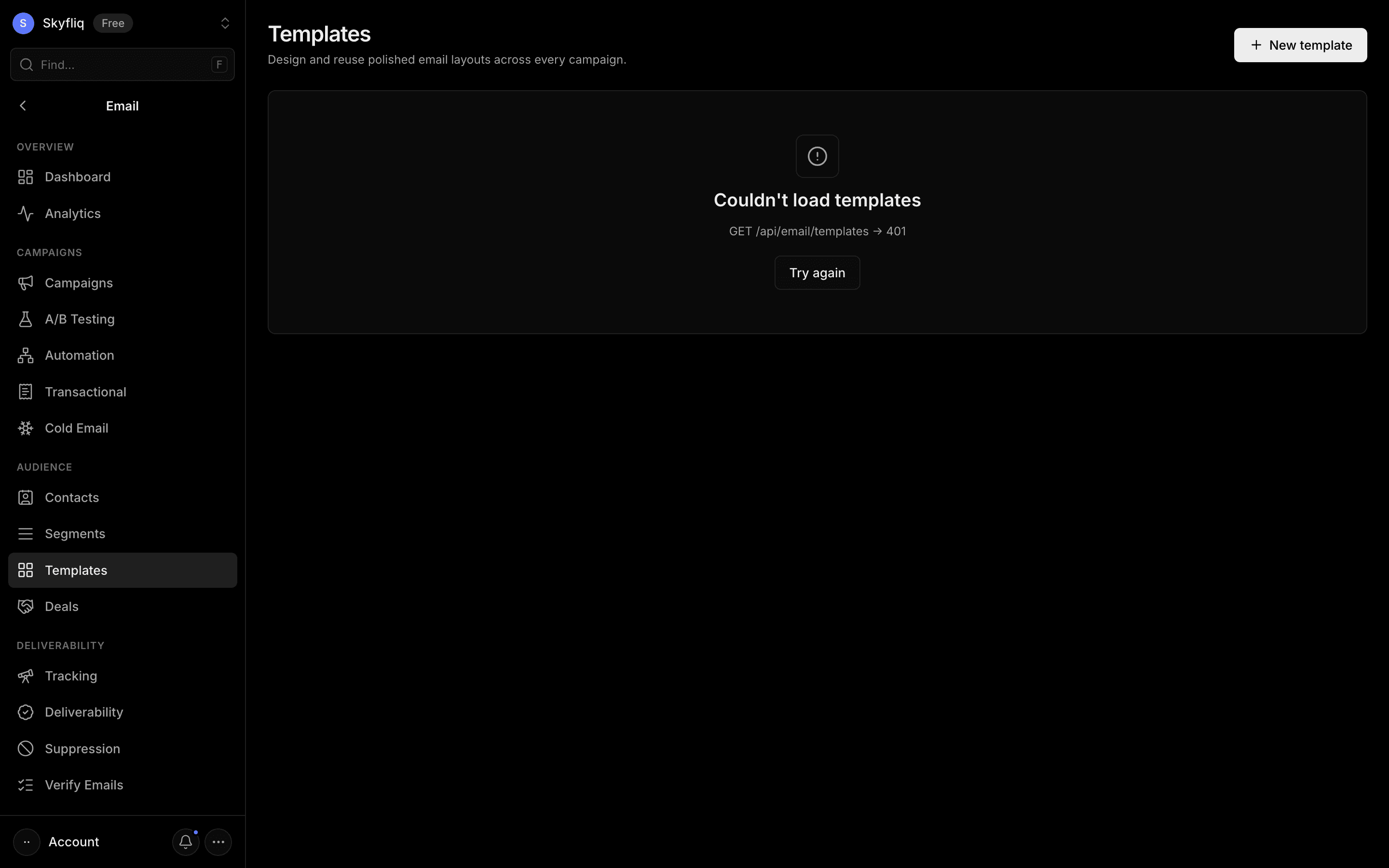
- 1Click New template
- 2Set name, category, subject, and brand color
- 3Build the content in the editor, watching the preview
- 4Click Create template, then Use / Edit or Duplicate later
About Email Templates
Templates are reusable email layouts, so a newsletter or welcome email looks the same every time without rebuilding it. Each template has a name, a category (newsletter, promotional, transactional, welcome or announcement), a default subject line and a brand colour, and you build the content in the editor while a live preview shows the result.
Use / Edit opens a template to change it or use it, and Duplicate makes a copy to adapt — for example a seasonal version of your usual newsletter. When you create a campaign you can start from any saved template. Each template also has an ID you can copy for the transactional API, so a receipt or confirmation sent from your own code uses the same design, with variables filled in per message.
Common workflows
- Brand your mail. Make one template per kind of email — newsletter, welcome, offer — with your brand colour, then start campaigns from them.
- Seasonal versions. Duplicate your newsletter template and adjust the colours or header for a festival or sale.
- Transactional design. Build a receipt template, copy its ID and pass it to the transactional API with the order details.
Common questions
Does changing a template change emails already sent?
No. Sent emails keep the content they had when they went out.
Can I use a template for automations?
Templates are used when creating campaigns and through the transactional API; automation emails are written in each step.
Can I write HTML?
Yes. Campaign content accepts plain text or HTML, and the preview shows how it renders.
Related: Email design best practices · Docs: email campaigns