Email Campaigns
Campaign manager to write, schedule, send, duplicate, and track email campaigns with merge tags, live preview, and per-recipient stats.
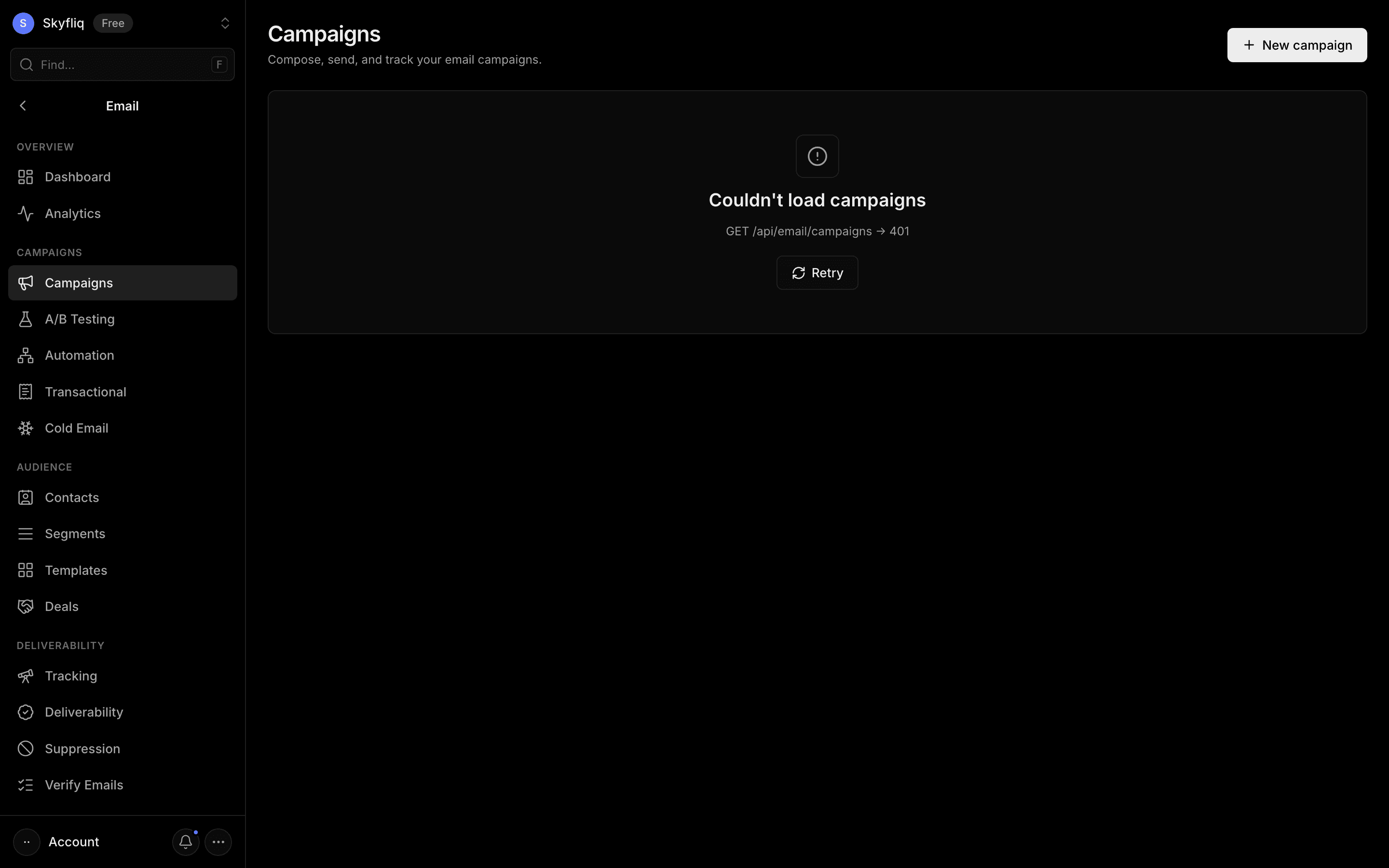
- 1Click New campaign
- 2Fill in name, subject, sender, and audience segment
- 3Optionally set a schedule date, then Create campaign
- 4Click Send, or open a sent campaign to track recipients
About Email Campaigns
A campaign is a one-off email to a group of contacts — a newsletter, an announcement, an offer. Give it a name and subject line, set the from name, from address and an optional reply-to, and choose the audience: all contacts or a segment. Write the email in plain text or HTML, or start from one of your saved templates, and the live preview on the right shows exactly what recipients will see. Merge tags such as {{firstName}}, {{lastName}}, {{fullName}}, {{company}} and {{email}} personalise each copy.
Send straight away or pick a send time. Once a campaign has gone out, open it to see every recipient and whether they opened, clicked or unsubscribed. Duplicate a campaign to reuse its setup for the next issue, or delete drafts you no longer need. Every email includes an unsubscribe link, and unsubscribed contacts and addresses on your suppression list are skipped automatically.
Common workflows
- Monthly newsletter. Duplicate last month's campaign, update the content and schedule it for the same day and time.
- Offer to one group. Choose a segment such as recent customers, personalise the subject with {{firstName}} and send.
- Follow up on clicks. Open the sent campaign, look at who clicked and add them to a deal or a follow-up task in the CRM.
Common questions
Can I schedule a campaign?
Yes. Pick a send time when you create it; leave it empty to keep it as a draft and send it yourself.
Can I send from my own domain?
Yes, once your domain is verified on the Deliverability page. Until then mail goes from the platform sender with your name and reply-to.
Can I test two subject lines?
Yes — create an A/B test for the campaign and the better subject line goes to the rest of the list.
Related: Email marketing for beginners · Email list segmentation · Drip campaigns vs broadcasts