Email · Audience
Contacts
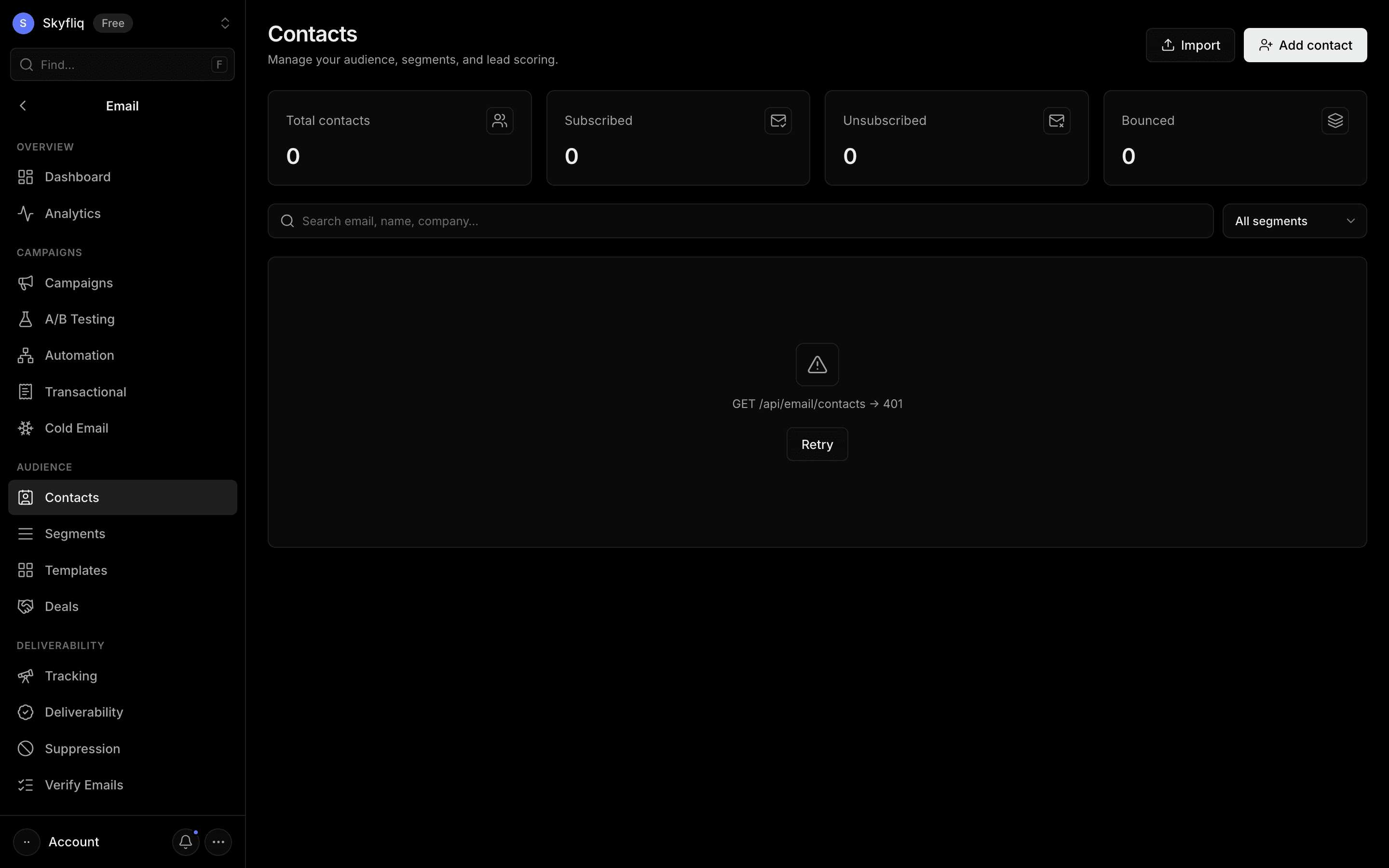
Contact manager with search, segment filter, lead scoring, subscription status, single-add and CSV import.
PurposeManage your audience — contacts, segments, and lead scores — as the source list for all your sends.
app.skyfliq.com/email/contacts Open
How to use
- 1Click Add contact or Import to load addresses
- 2Search or filter by segment to find people
- 3Click a row's menu to Edit or Delete
- 4Assign comma-separated segments when adding
Use caseBuild and clean your audience — add or import contacts, tag them into segments, and track lead score and status.