Email · Campaigns
Cold Email
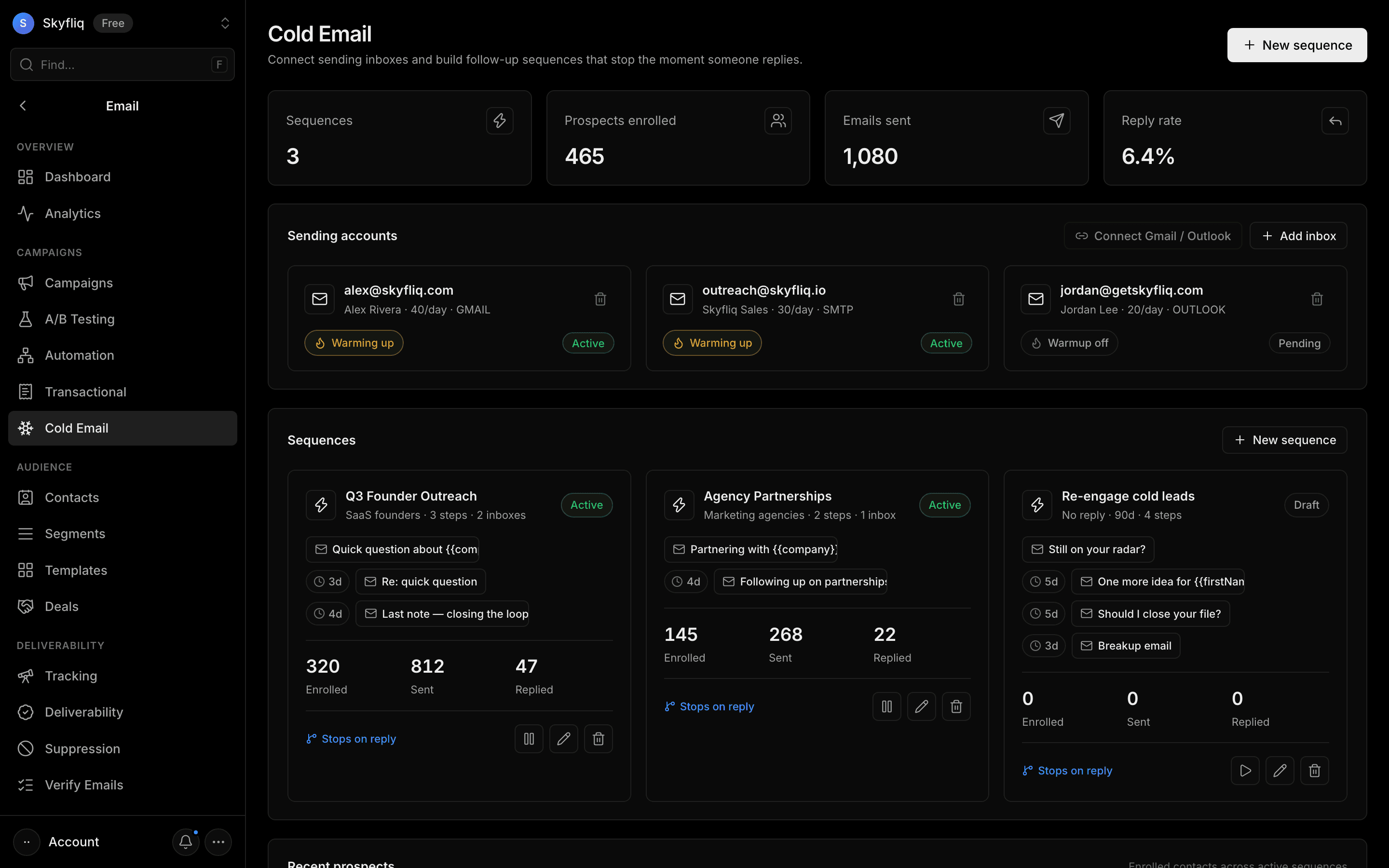
Cold outreach tool connecting sending inboxes (with warmup) and building multi-step follow-up sequences that stop on reply.
PurposeRun cold outreach by connecting sending inboxes and building follow-up sequences that stop when a prospect replies.
app.skyfliq.com/email/cold Open
How to use
- 1Click Add inbox to connect a sending account
- 2Click New sequence and name it
- 3Add an opening email plus timed follow-up steps
- 4Pick sending inboxes and click Create sequence
Use caseRun a founder-outreach sequence from a warmed inbox that sends timed follow-ups until a prospect replies.