Email · Campaigns
A/B Testing
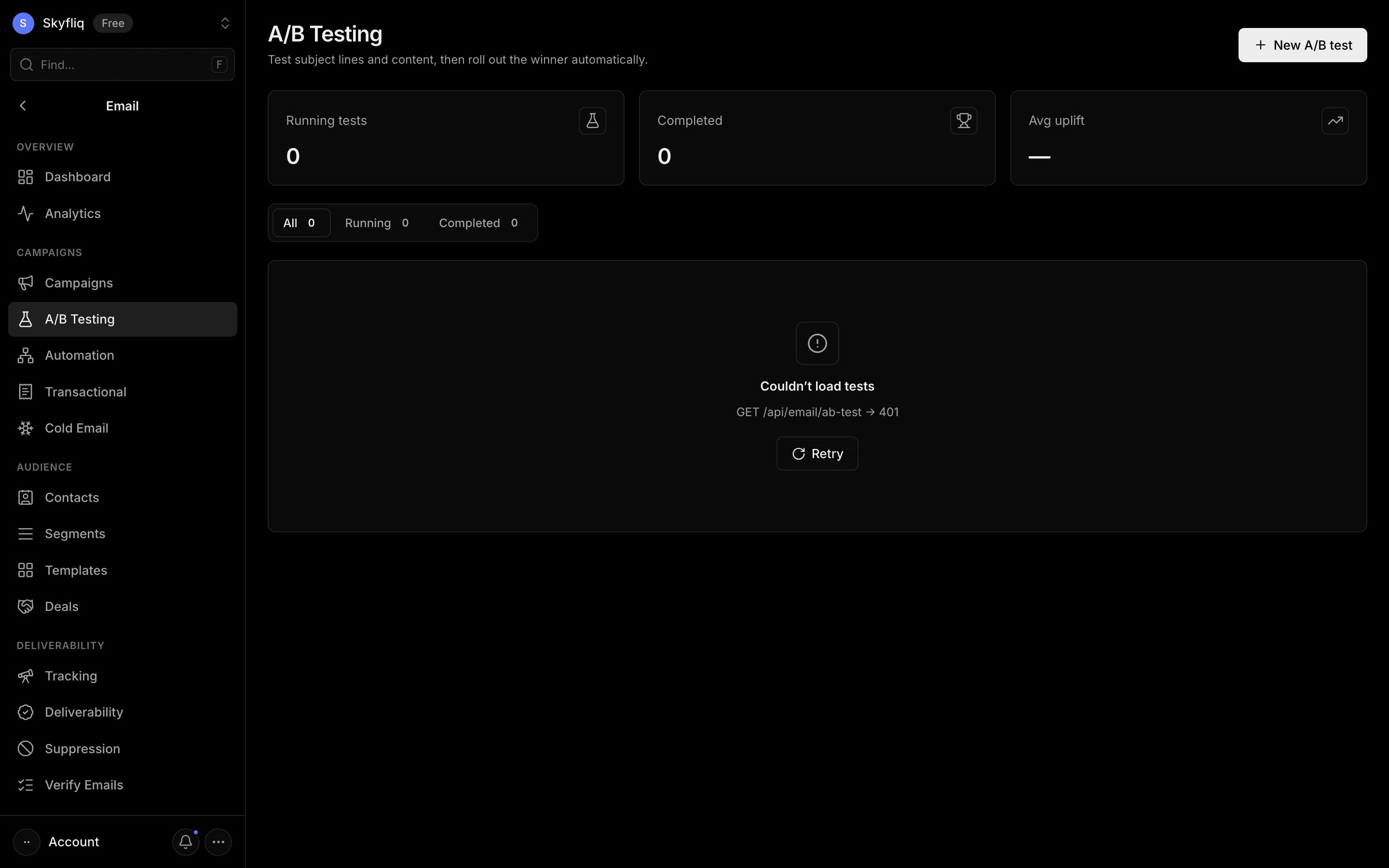
A/B testing tool that pits subject-line/content variants against each other, tracks open/click rates, and declares a winner.
PurposeTest subject lines and content head-to-head, then roll out the winning variant automatically.
app.skyfliq.com/email/ab-testing Open
How to use
- 1Click New A/B test
- 2Name the test and add variant subject lines
- 3Set winner criteria, split, and duration
- 4Click Launch test, then open it to view results
Use caseTest two or more subject lines on a slice of your audience and auto-roll out the higher-performing variant.