Email · Campaigns
Automation
Visual automation builder for branching, behavior-driven email journeys with triggers, waits, splits, conditions, and quick-start templates.
PurposeBuild branching, behavior-driven email journeys that enroll and nurture contacts on autopilot.
app.skyfliq.com/email/automation Open
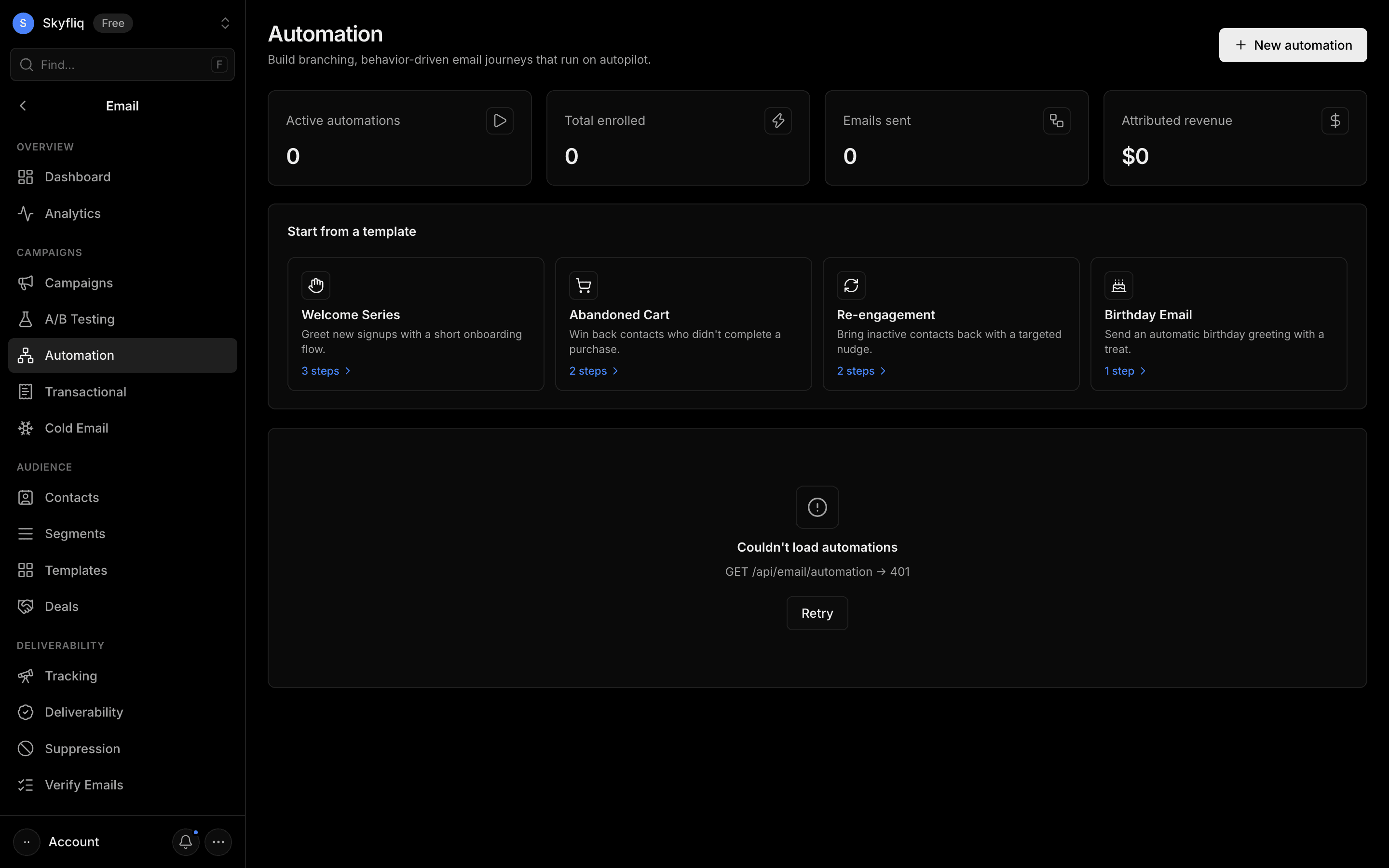
How to use
- 1Click New automation or pick a template
- 2Set the trigger in the Trigger panel
- 3Add email, wait, split, or goto steps on the canvas
- 4Configure each step, then click Create automation
Use caseSet up a welcome series or abandoned-cart flow that sends timed follow-ups and branches on how contacts engage.