Chatbots · Configure
Settings
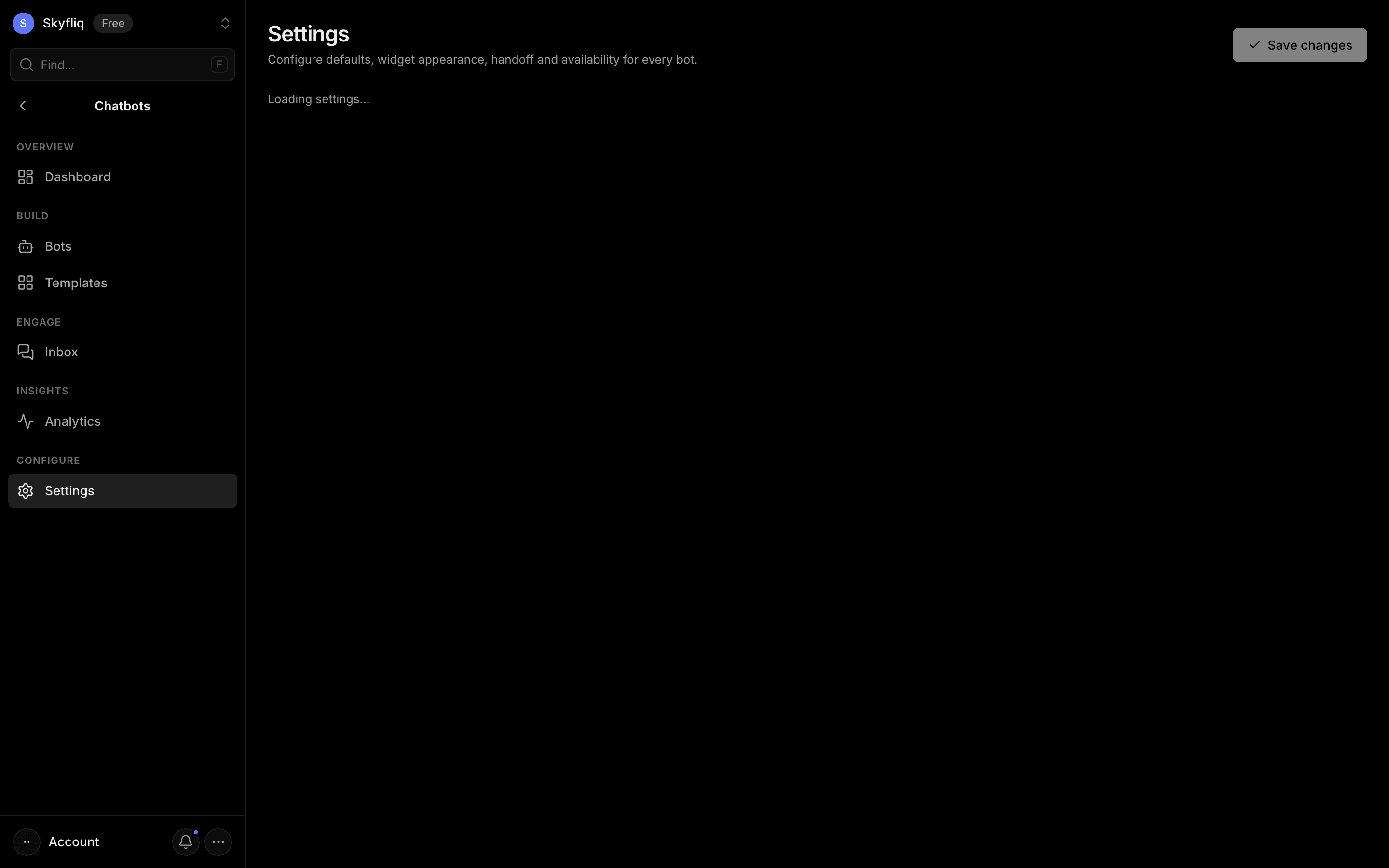
Bot defaults, widget appearance, human-handoff rules, business hours, and a delete-data danger zone with live preview.
PurposeConfigure default bot content, widget appearance, handoff rules, and business hours for all bots.
app.skyfliq.com/chatbots/settings Open
How to use
- 1Set default name, welcome, fallback, and quick replies under General.
- 2Choose accent color, launcher position, and branding under Widget appearance.
- 3Configure human handoff triggers and business hours.
- 4Click Save changes to apply the settings.
Use caseSet a default greeting and accent color, then configure when conversations hand off to a human.