DocsAds Manager
Product
Ads Manager
5 pages/adsmanager
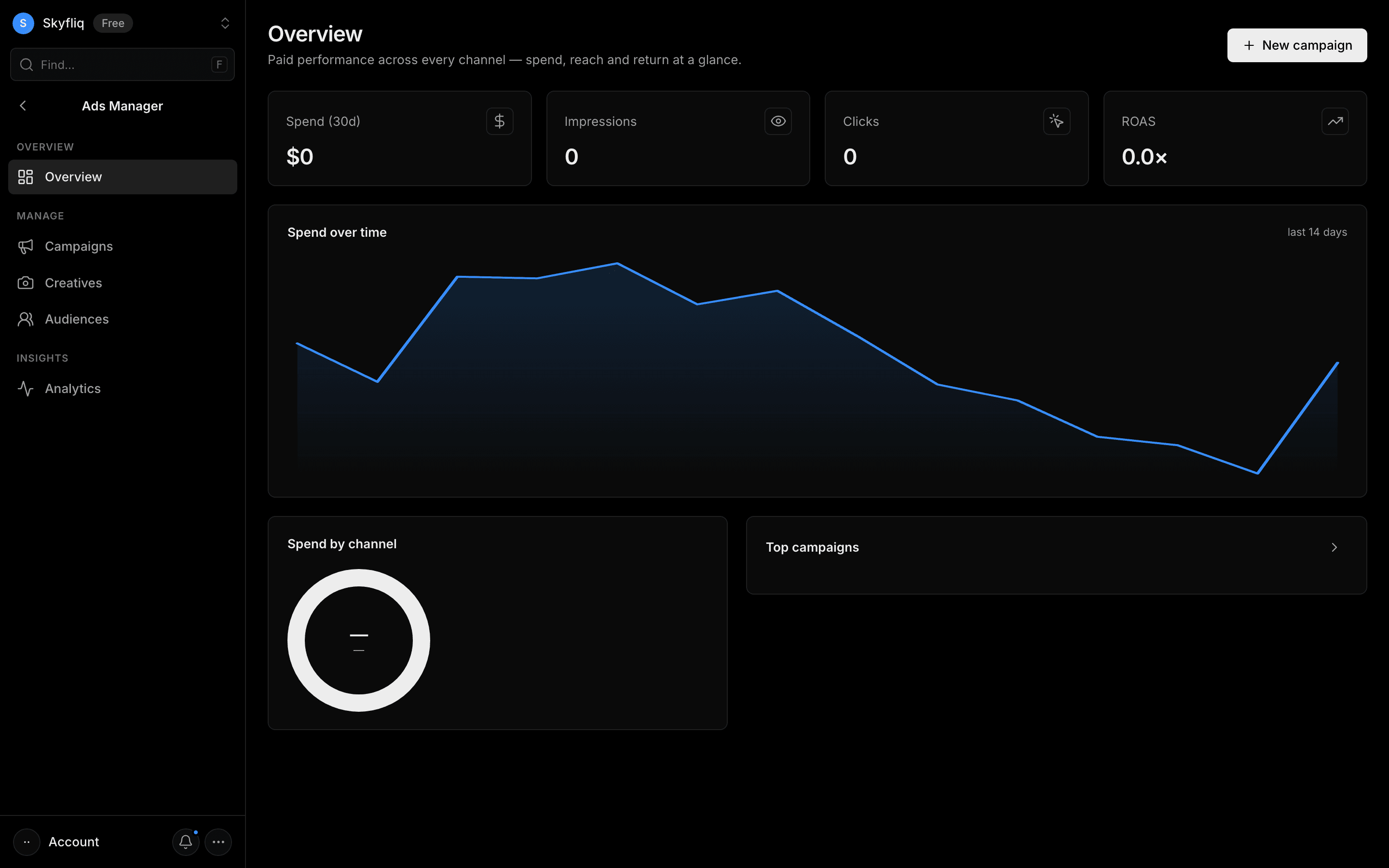
A paid-performance overview aggregating spend, impressions, clicks, and ROAS with spend-over-time and channel breakdowns.
PurposeSee paid performance across every channel — spend, reach, and return at a glance.
app.skyfliq.com/adsmanager Open
How to use
- 1Scan the KPI cards for spend, impressions, clicks, and ROAS.
- 2Review the 14-day spend-over-time chart.
- 3Check the spend-by-channel donut and top campaigns list.
- 4Click New campaign to launch a campaign.
Use caseSee total 30-day spend and ROAS at a glance, plus which channel and campaigns drive the most.
Pages in Ads Manager
Each page below has its own guide — description, purpose, how to use, and a screenshot.
OverviewA paid-performance overview aggregating spend, impressions, clicks, and ROAS with spend-over-time and channel breakdowns.CampaignsA searchable, filterable table of paid campaigns across Google, Meta, LinkedIn, and TikTok with full CRUD.CreativesA gallery of ad assets (image, video, carousel) per campaign showing impressions and CTR, with CRUD.AudiencesTargeting segments — custom lists, lookalikes, and interest cohorts — with size, source, and full CRUD.AnalyticsDeep paid analytics with selectable date ranges, spend/clicks trends, channel breakdowns, and a conversion funnel.