Ads Manager · Insights
Analytics
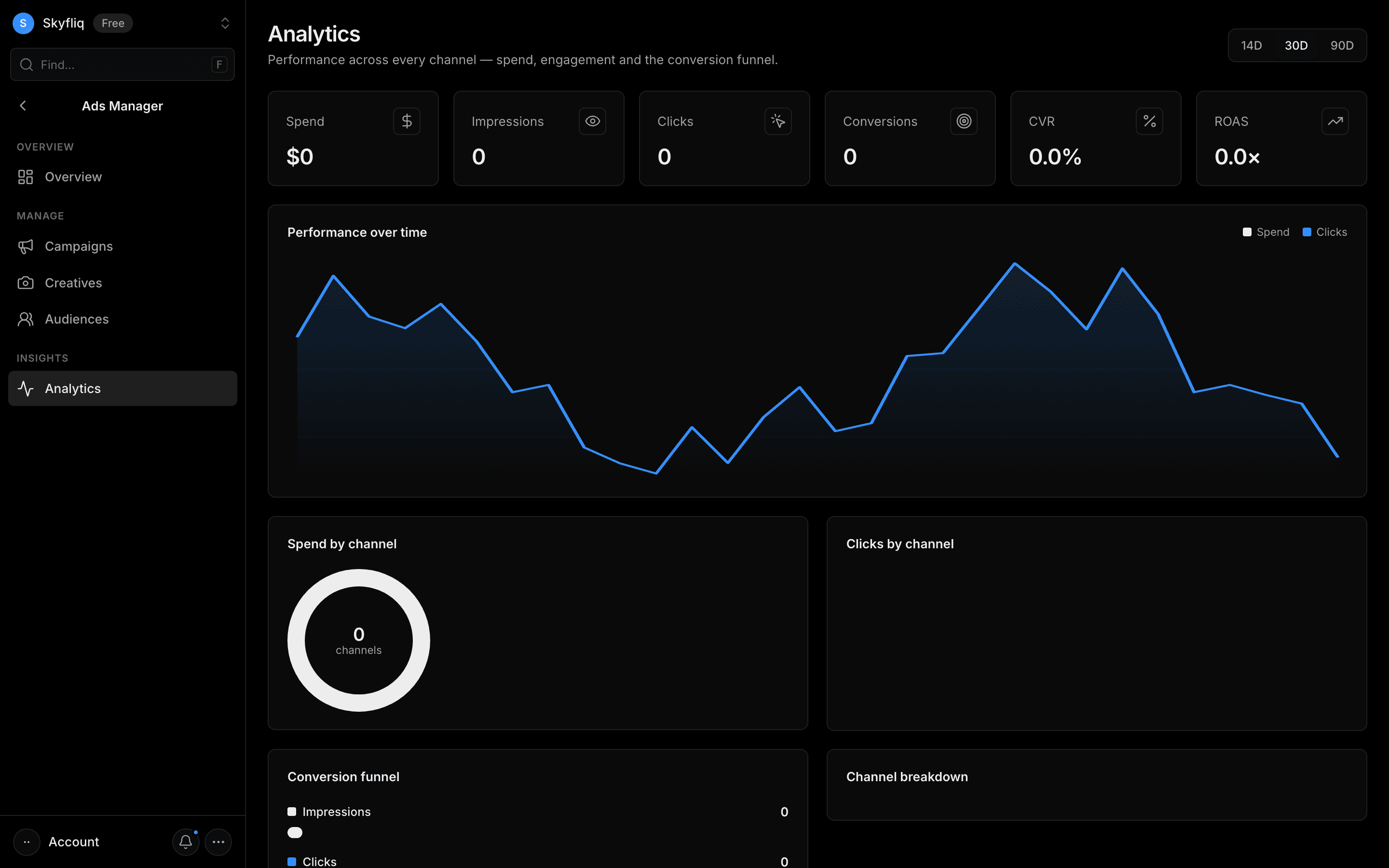
Deep paid analytics with selectable date ranges, spend/clicks trends, channel breakdowns, and a conversion funnel.
PurposeAnalyze paid performance across channels — spend, engagement, and the conversion funnel.
app.skyfliq.com/adsmanager/analytics Open
How to use
- 1Switch the date range with the 14D / 30D / 90D buttons.
- 2Read the KPI cards for spend, clicks, CVR, and ROAS.
- 3Compare the performance chart and spend/clicks by channel.
- 4Read the impressions-to-conversions funnel and channel breakdown.
Use caseSwitch to a 90-day range and read the impressions-to-conversions funnel to find drop-off points.