Ads Manager · Manage
Campaigns
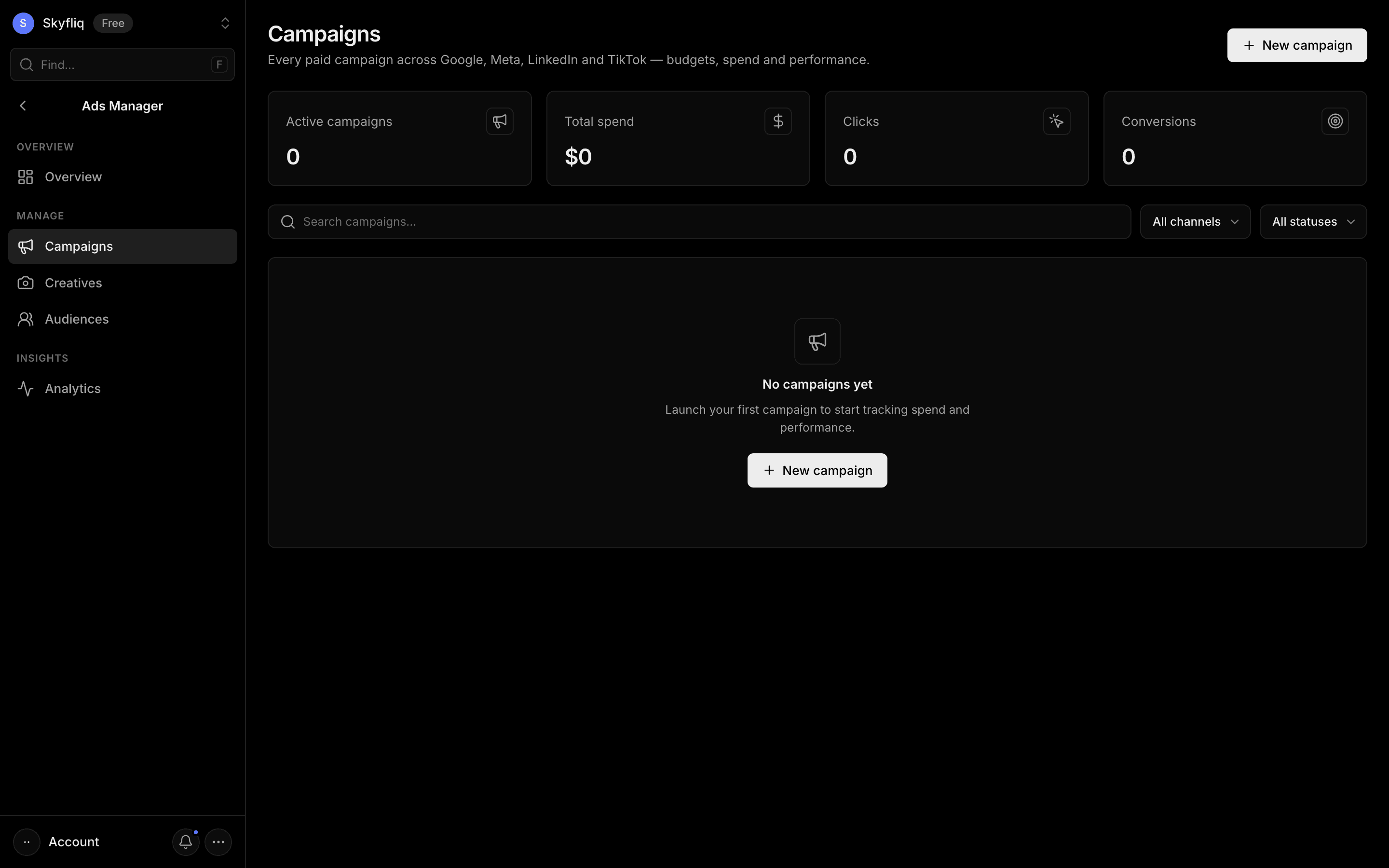
A searchable, filterable table of paid campaigns across Google, Meta, LinkedIn, and TikTok with full CRUD.
PurposeManage every paid campaign across Google, Meta, LinkedIn, and TikTok with budgets and performance.
app.skyfliq.com/adsmanager/campaigns Open
How to use
- 1Search campaigns and filter by channel or status.
- 2Click New campaign and fill in channel, budget, spend, and metrics.
- 3Open a row's menu to Edit or Delete a campaign.
- 4Review CTR, CPC, and conversions in the table.
Use caseCreate a Google campaign with a budget, then filter by channel to compare CTR and CPC.