Ads Manager · Overview
Overview
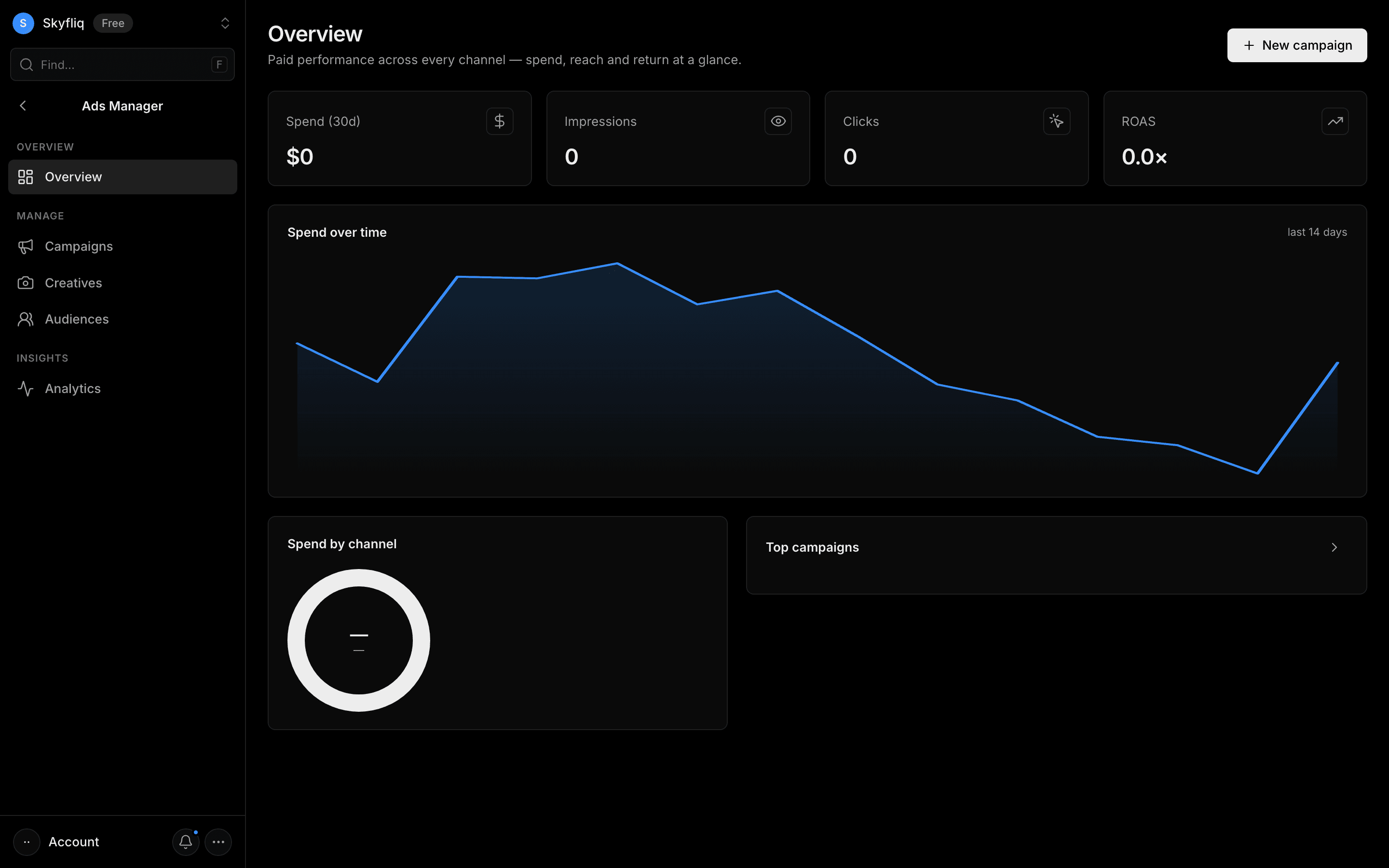
A paid-performance overview aggregating spend, impressions, clicks, and ROAS with spend-over-time and channel breakdowns.
PurposeGet a paid-media overview with spend trends, channel mix, and top campaigns.
app.skyfliq.com/adsmanager Open
How to use
- 1Read the top KPI cards for spend, impressions, clicks, and ROAS.
- 2Inspect the spend-over-time line chart.
- 3Review spend-by-channel and the top campaigns list.
- 4Use the card arrow or New campaign to manage campaigns.
Use caseSee total 30-day spend and ROAS at a glance, plus which channel and campaigns drive the most.