Reputation
Reputation hub uniting ratings, reviews, and social conversation with sentiment KPIs and recent-activity feeds.
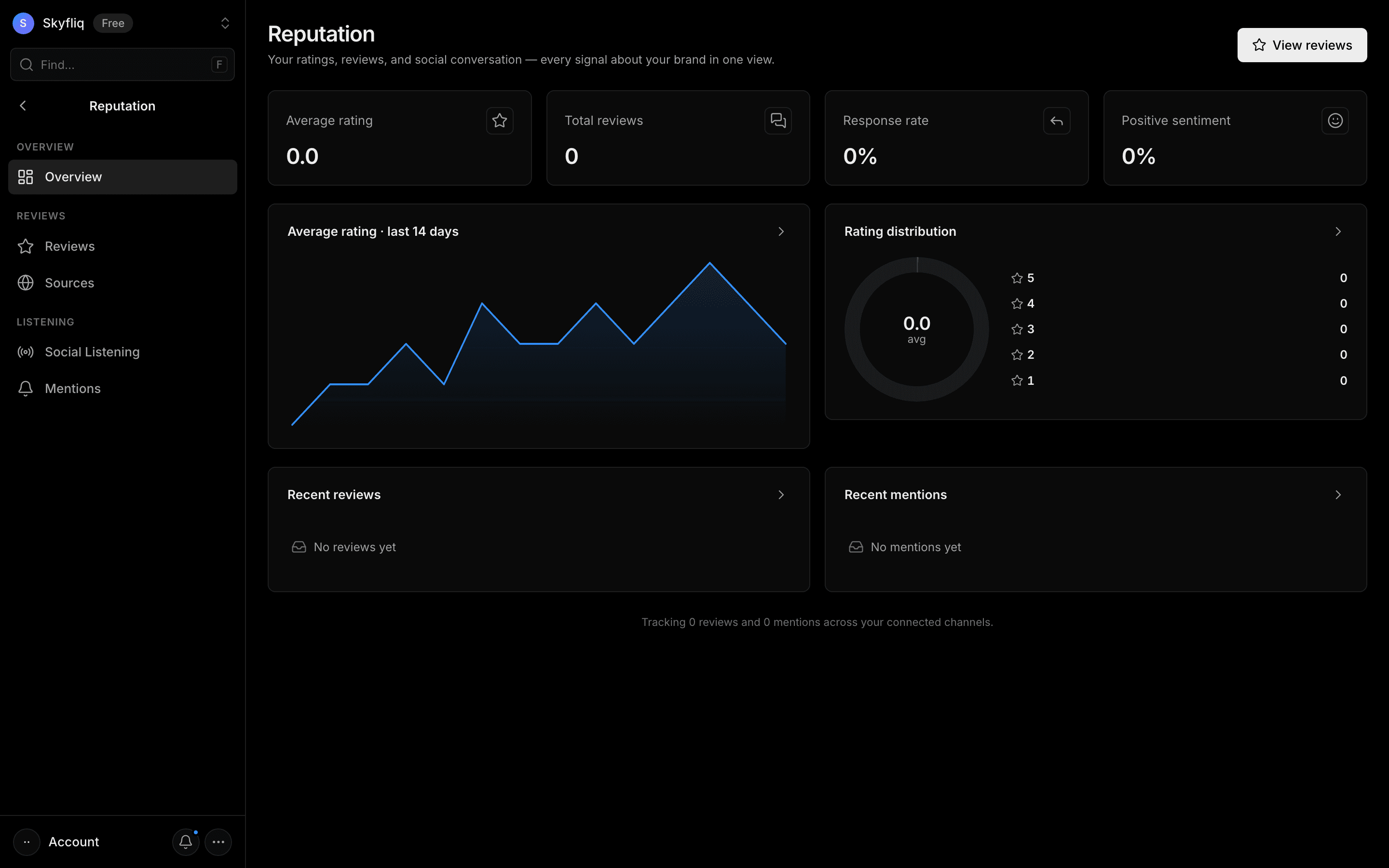
- 1Scan the KPI cards for average rating, reviews, response rate, and sentiment.
- 2Review the rating trend and distribution charts.
- 3Check the Recent reviews and Recent mentions feeds.
- 4Hit View reviews to manage feedback.
About Reputation
Reputation brings what people say about your business into one place: reviews from sites like Google, social mentions of your brand, and the sentiment behind them. The overview shows your average rating, number of reviews, response rate and the share of positive sentiment, with a rating trend, a rating distribution, and feeds of recent reviews and mentions.
Reviews is a single inbox to reply to customers — replies to Google reviews are published on your Google Business Profile. Social Listening and Mentions help you catch conversations about your brand you weren't tagged in. Together they help any team protect its rating without checking five websites a day.
Common workflows
- Daily glance. Check the overview for new low ratings or a dip in positive sentiment.
- Reply to reviews. Open Reviews, filter by rating and respond, starting with the most critical.
- Listen. Use Social Listening and Mentions to find and join conversations about your brand.
Common questions
Is Reputation included in my plan?
Yes. Every Skyfliq plan includes every tool.
Can I reply to Google reviews from Skyfliq?
Yes, for reviews synced from your Google Business Profile — the reply is published on Google.
Related: Online reputation management guide
Each page below has its own guide — description, purpose, how to use, and a screenshot.