DocsBooking Bay
Product
Booking Bay
6 pages/bookingbay
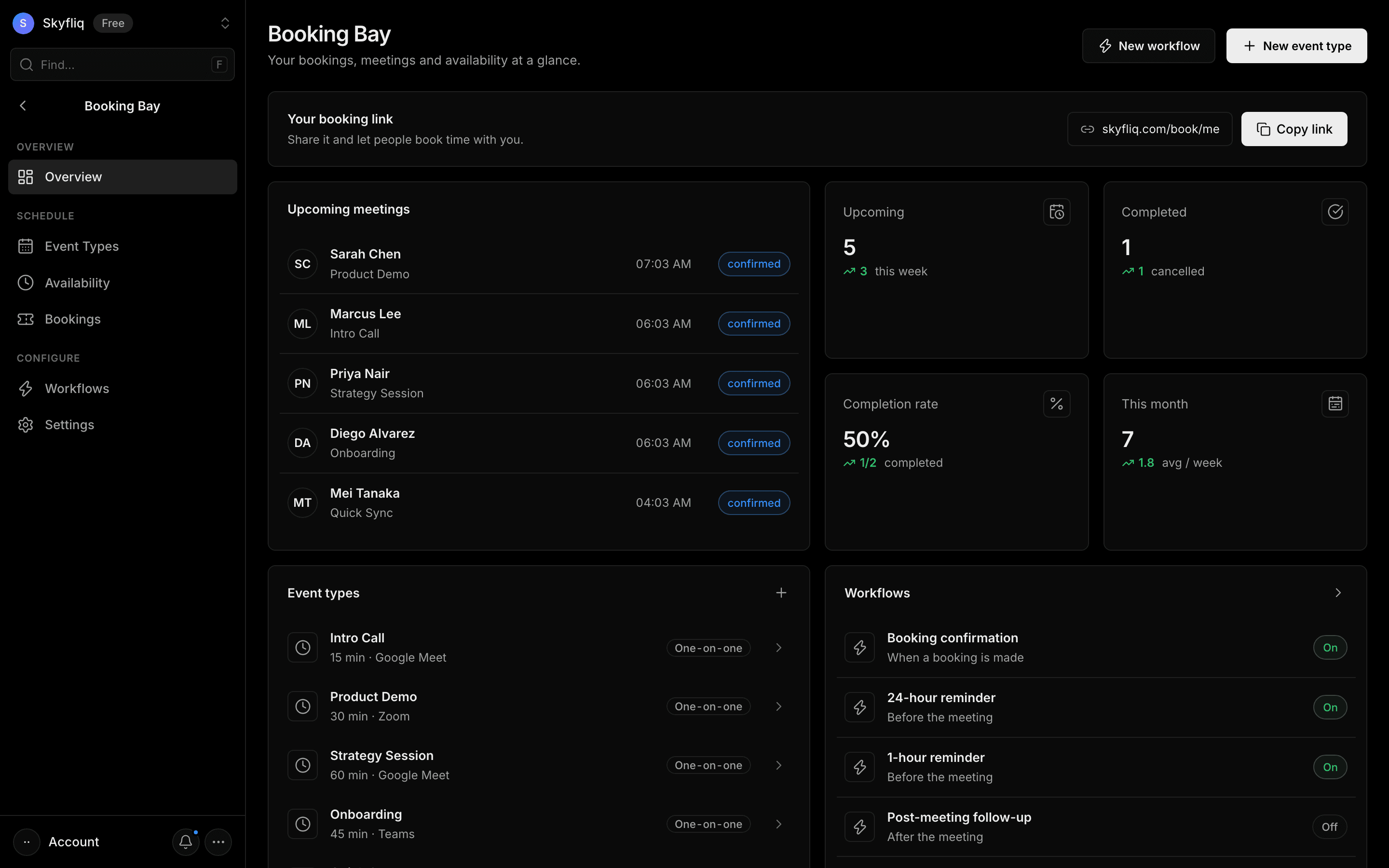
Booking Bay dashboard with your booking link, upcoming meetings, completion-rate stats, event types and workflows.
PurposeA Booking Bay hub showing your booking link, upcoming meetings, event types and workflows at a glance.
app.skyfliq.com/bookingbay Open
How to use
- 1Copy your booking link from the top banner.
- 2Review upcoming meetings and the booking stat cards.
- 3Add an event type or workflow from the header buttons.
- 4Click an event type or workflow to open and edit it.
Use caseSee who's booked time with you this week and grab your shareable booking link.
Pages in Booking Bay
Each page below has its own guide — description, purpose, how to use, and a screenshot.
OverviewBooking Bay overview showing booking link, upcoming meetings, completion stats and shortcuts to event types and workflows.Event TypesEvent Types manager to create bookable meeting types with duration, location, kind, buffers, limits and screening questions.AvailabilityAvailability editor for weekly working hours and date-specific overrides, with total hours and timezone handling.BookingsList of every scheduled meeting filterable by upcoming, completed or cancelled, with detail modal and cancel action.WorkflowsAutomated-email workflow builder that sends confirmations, reminders and follow-ups around bookings using starter templates.SettingsScheduling settings for your booking page slug, timezone, brand color, welcome message and embed snippets.