Booking Bay · Configure
Workflows
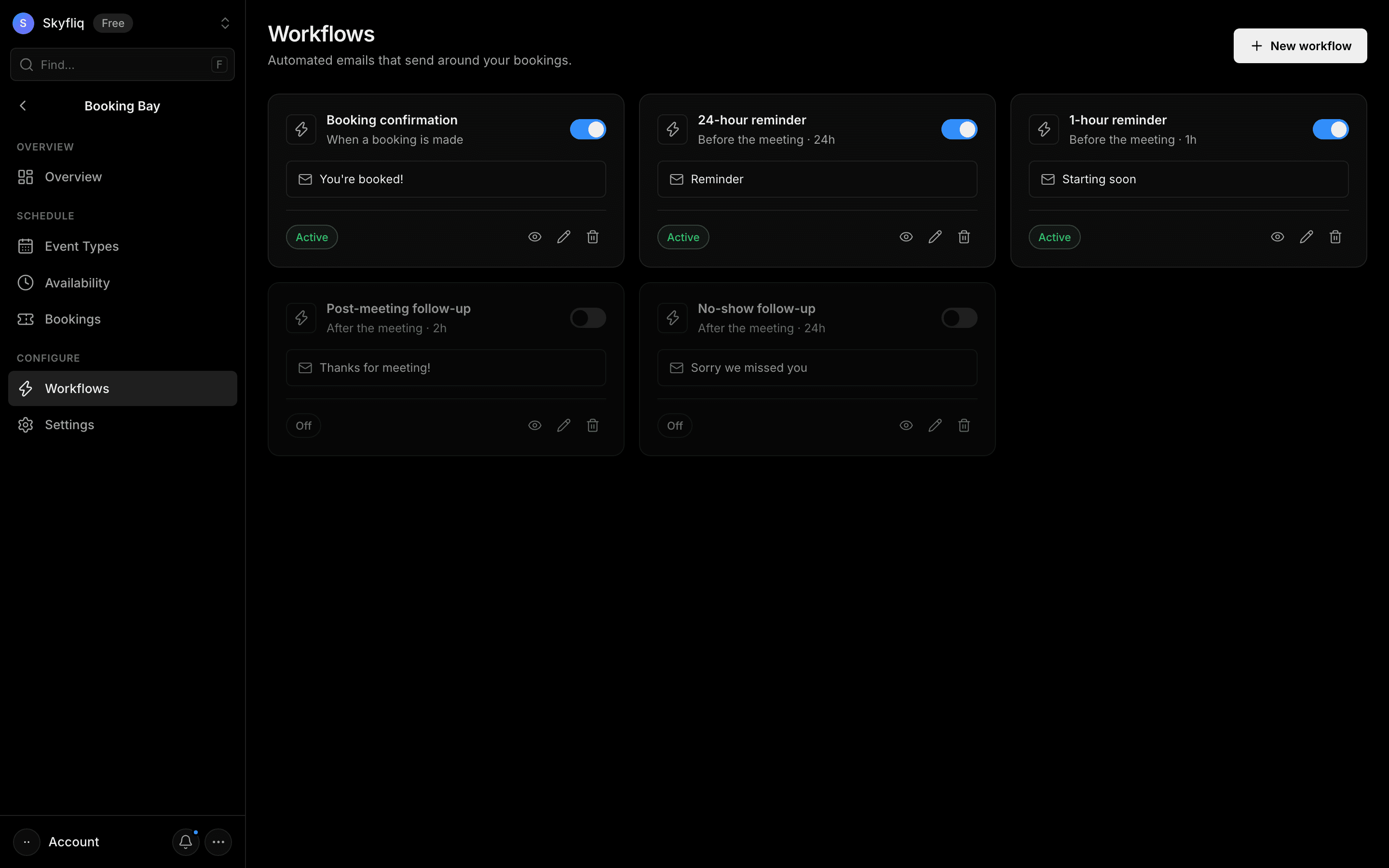
Automated-email workflow builder that sends confirmations, reminders and follow-ups around bookings using starter templates.
PurposeAutomated emails (reminders, confirmations, follow-ups) that send around your bookings.
app.skyfliq.com/bookingbay/workflows Open
How to use
- 1Click New workflow to open the builder.
- 2Name it and choose a trigger and timing offset.
- 3Write the email subject and body.
- 4Click Create workflow, then toggle it on or off.
Use caseAuto-send a 24-hour reminder email before every booked meeting.