Booking Bay · Schedule
Availability
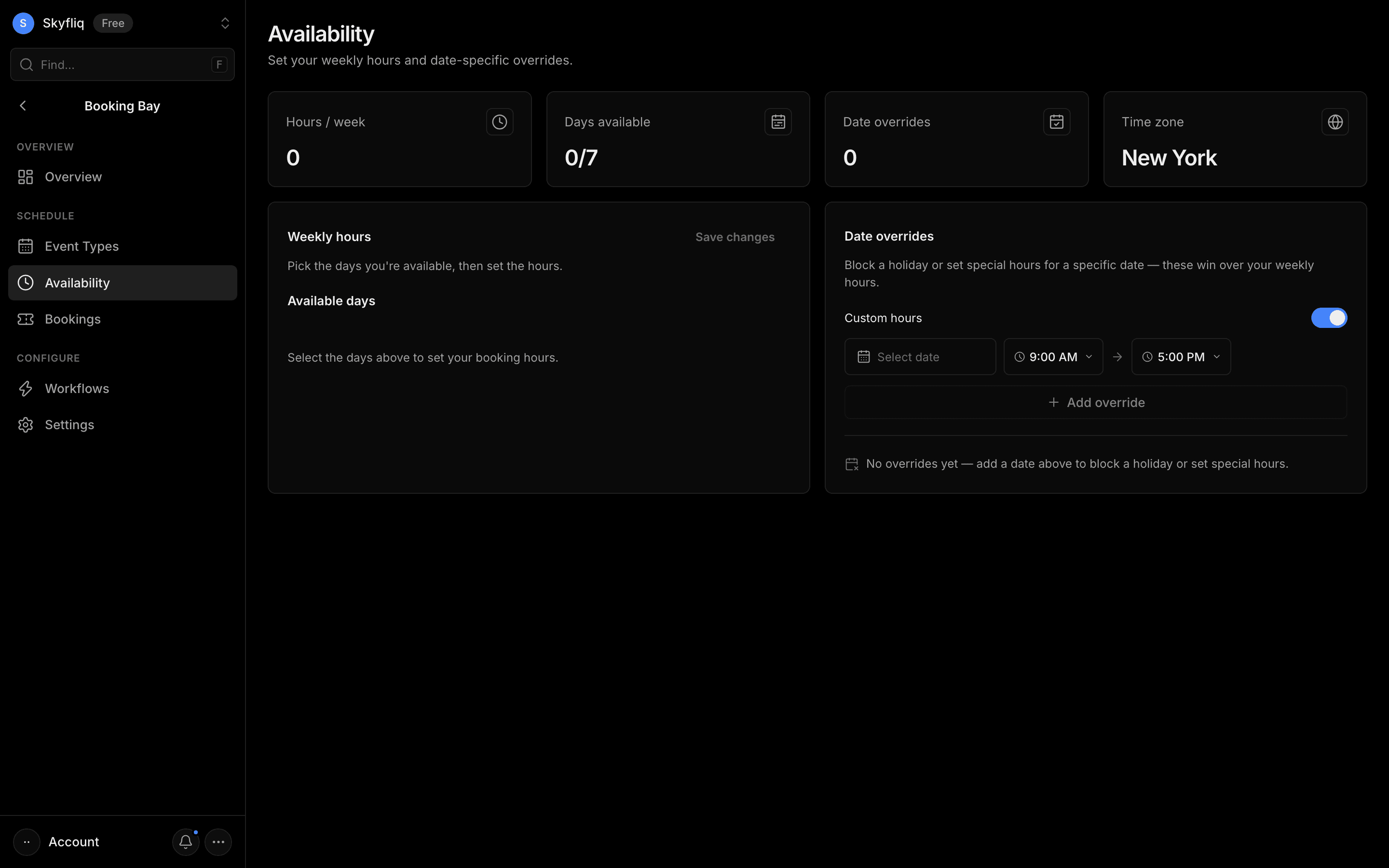
Availability editor for weekly working hours and date-specific overrides, with total hours and timezone handling.
PurposeSet your weekly booking hours and date-specific overrides so people only book when you're free.
app.skyfliq.com/bookingbay/availability Open
How to use
- 1Select your available days, then set the start and end hours.
- 2Click Save changes to persist your weekly hours.
- 3Add a date override to block a holiday or set special hours.
- 4Remove any override with its trash icon.
Use caseDefine your 9-to-5 bookable hours and block off a specific holiday.