Link Hub · Overview
Dashboard
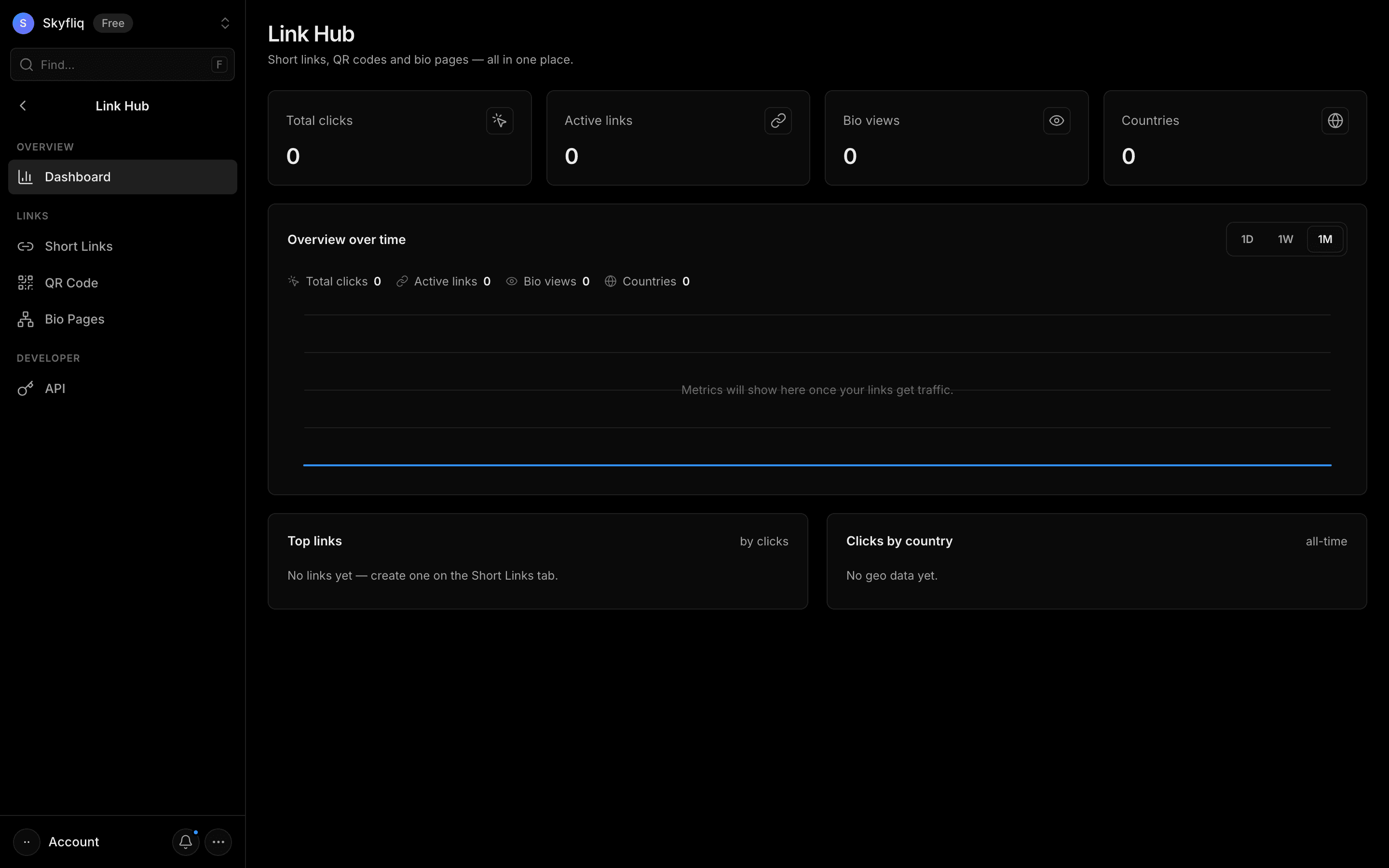
Links overview with click/link/view/country stats, a time-range growth chart, top links and clicks-by-country breakdown.
PurposeAn analytics overview of link performance — clicks, active links, bio views and top countries over time.
app.skyfliq.com/linkhub/dashboard Open
How to use
- 1Check the four stat cards for clicks, links, views and countries.
- 2Toggle the Overview chart between 1D, 1W and 1M.
- 3Review the Top links list by clicks.
- 4Read the Clicks by country breakdown.
Use caseTrack total link traffic and which countries your clicks come from.