Link Hub Bio Pages
Bio-page builder for link-in-bio pages with themes, links and a live browser preview, plus a grid of published pages.
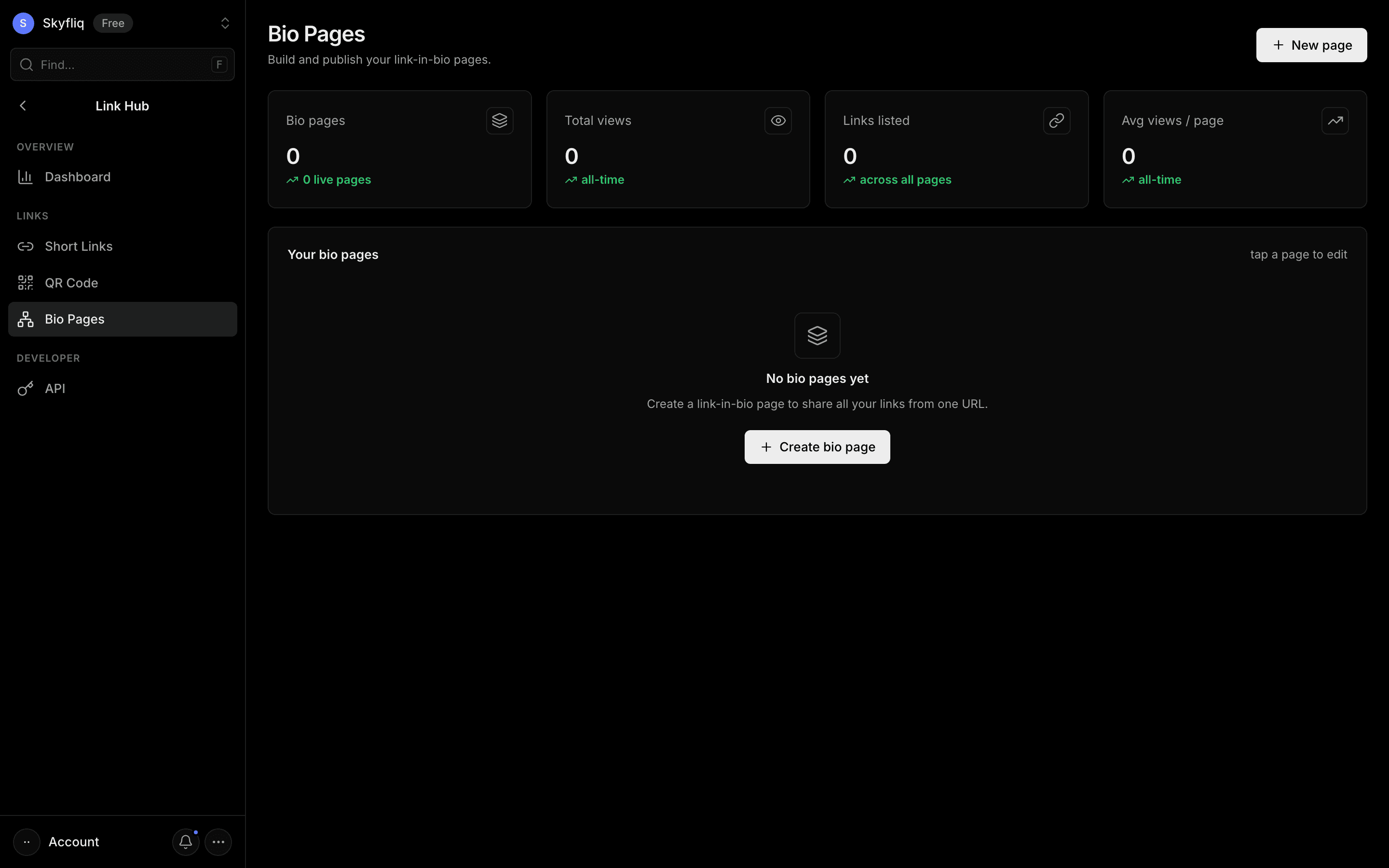
- 1Click New page and set the slug, title and bio.
- 2Pick a theme and add your links.
- 3Watch the live preview update as you edit.
- 4Click Create page, then open it live or delete it.
About Link Hub Bio Pages
A bio page is one short web address — /l/your-name — that holds all the links you want to share from a social profile. Instagram, TikTok and YouTube let you add only one link to your profile; a bio page turns that one link into a menu of your offers, booking page, shop, latest video and socials.
Set the page URL, a title (often your @handle) and a short bio line, choose one of four themes — Default, Dark, Gradient or Minimal — and add as many links as you like, each with a label and URL. The live preview updates as you type, so you see the page as a phone visitor will. The stat cards show how many bio pages you have, total views, links listed and average views per page. Clicks on bio page buttons are tracked like short links, so Link Attribution can show which button brought a sign-up or booking.
Common workflows
- Instagram profile link. Create a page with your newest offer first, then your booking page, shop and other socials, and paste its URL into your profile.
- Campaign landing. Make a separate bio page for a launch or event, so its views and clicks are counted on their own.
- Keep it current. Move this week's main offer to the top and remove links that have ended.
Common questions
How many links can a bio page have?
As many as you need, but a short list with the most important link first works best on a phone.
Can I change the page URL later?
You can edit it, but the old address stops working, so update it everywhere you've shared it.
Can I have more than one bio page?
Yes. Create a page per brand, campaign or profile and track each one separately.
Related: Link in bio: the complete guide · How to write a social media bio · Instagram bio ideas