CRM · Manage
Pipeline
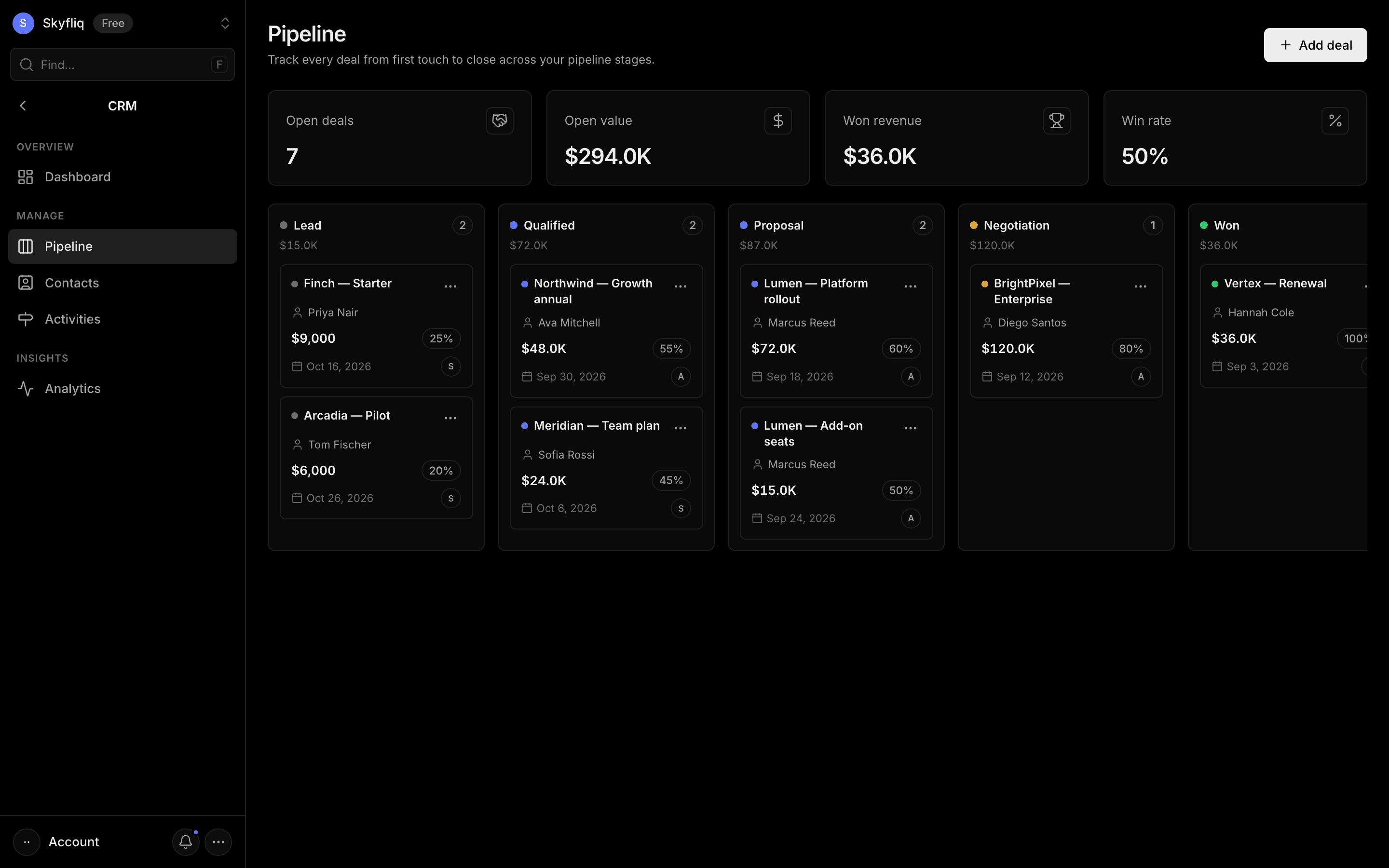
A drag-and-drop Kanban board of deals across stages with create, edit, and stage-move actions.
PurposeA drag-and-drop Kanban board to move every deal through stages from lead to close.
app.skyfliq.com/crm/pipeline Open
How to use
- 1Click Add deal and fill in title, value, contact, stage, and close date.
- 2Drag a deal card between stage columns to update its stage.
- 3Use a card's menu to edit, move, or delete it.
- 4Watch the stat row for open value, won revenue, and win rate.
Use caseDrag a deal from Discovery to Proposal to keep your forecast and pipeline value current.