CRM · Overview
Dashboard
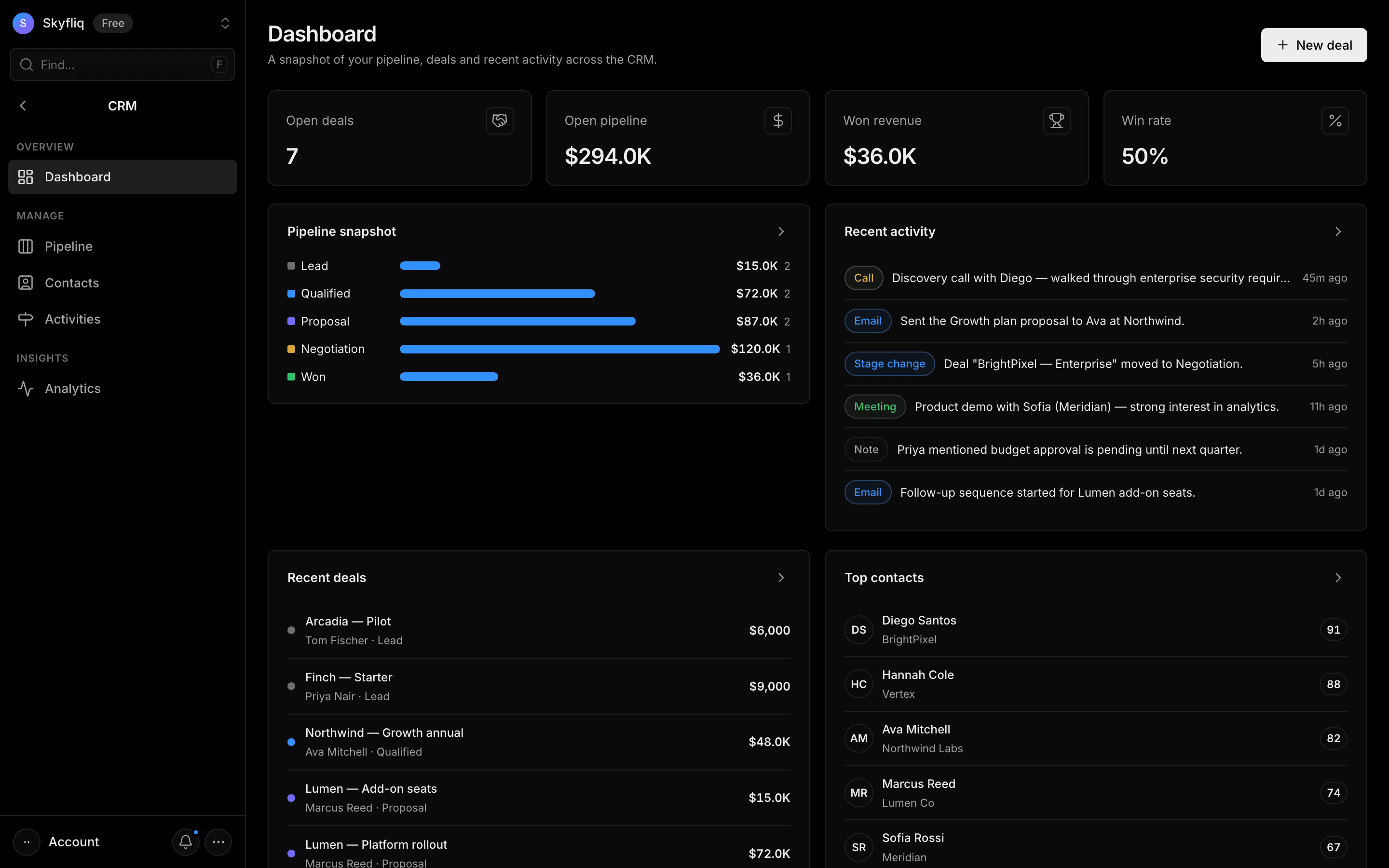
A snapshot dashboard showing open-deal KPIs, a pipeline funnel, recent deals, activity, and top contacts.
PurposeA snapshot view of pipeline health, recent deals, activity, and top contacts across the CRM.
app.skyfliq.com/crm Open
How to use
- 1Read the KPI row: open deals, open pipeline, won revenue, win rate.
- 2Use the Pipeline snapshot funnel to compare stage values.
- 3Open Recent activity and Recent deals to see the latest movement.
- 4Press New deal to start creating a deal.
Use caseOpen the CRM each morning to see win rate, pipeline value, and the latest deal movement at a glance.