CRM · Manage
Activities
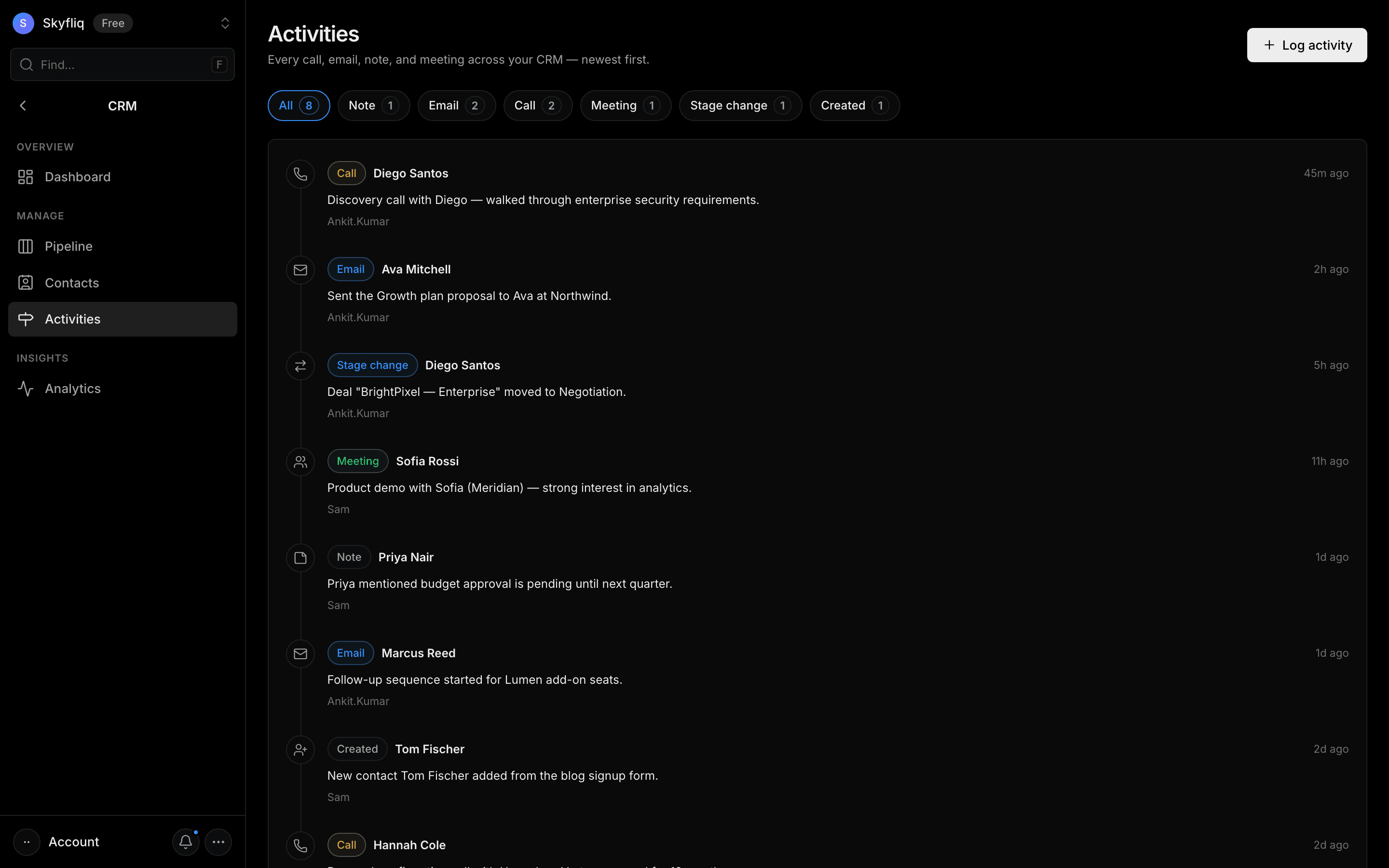
A newest-first timeline of calls, emails, notes, and meetings, filterable by type with counts.
PurposeA chronological timeline logging every call, email, note, and meeting across the CRM.
app.skyfliq.com/crm/activities Open
How to use
- 1Click Log activity, choose a type and contact, then describe it.
- 2Filter the timeline with the chips (All, calls, emails, notes, meetings).
- 3Scroll the newest-first timeline to review past interactions.
- 4Save the activity to add it to the timeline.
Use caseLog a discovery call against a contact so the whole team sees the latest touchpoint.