CRM · Manage
Contacts
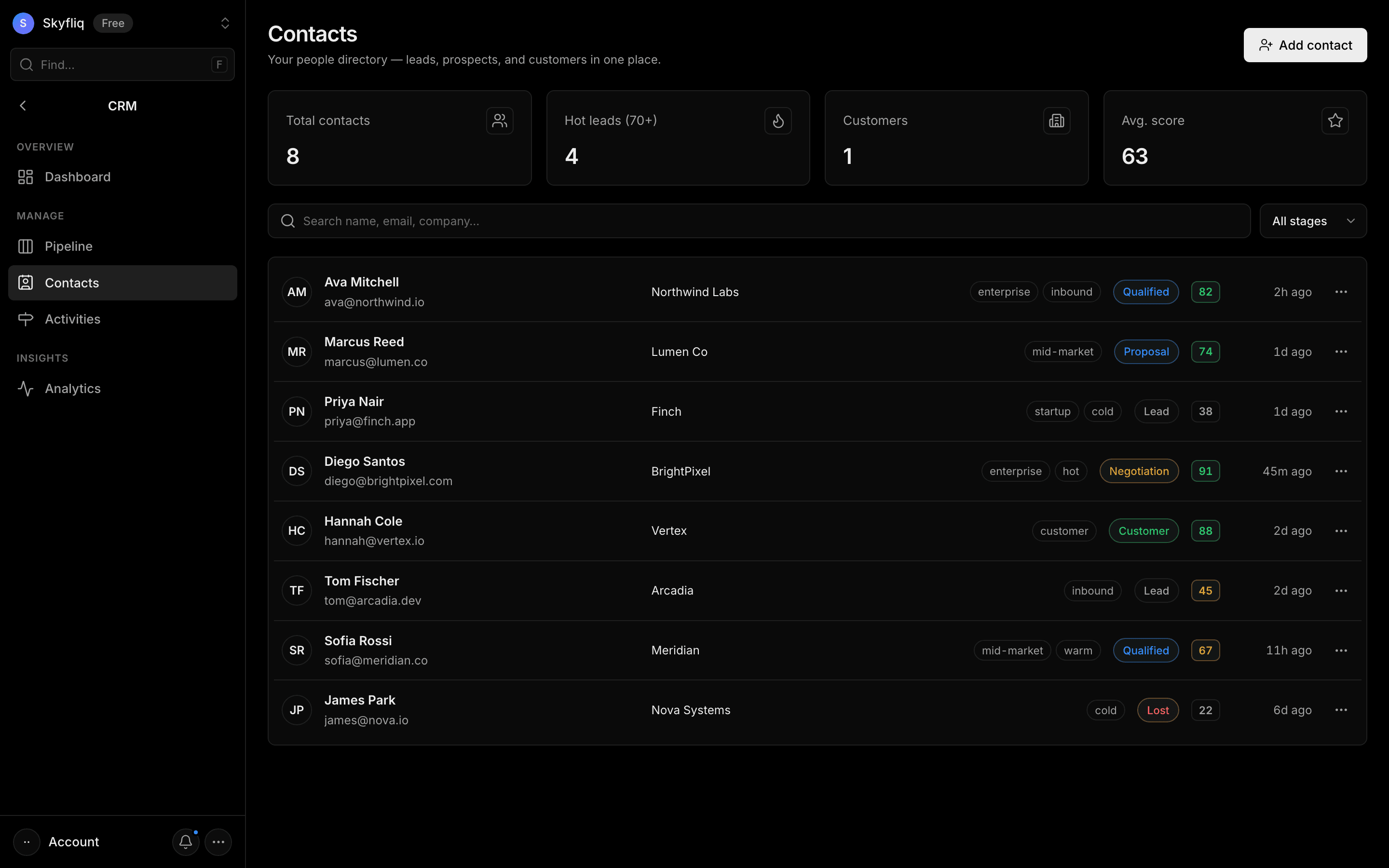
A searchable, stage-filterable directory of contacts with lead scores, tags, and per-record activity.
PurposeA searchable people directory holding leads, prospects, and customers with stage and lead score.
app.skyfliq.com/crm/contacts Open
How to use
- 1Click Add contact and enter name, email, company, stage, and tags.
- 2Search by name, email, or company in the toolbar.
- 3Filter the list by stage using the dropdown.
- 4Open a row's menu to edit, email, or delete a contact.
Use caseLook up a hot lead by name or company and add tags before your next outreach call.