Reputation · Reviews
Reviews
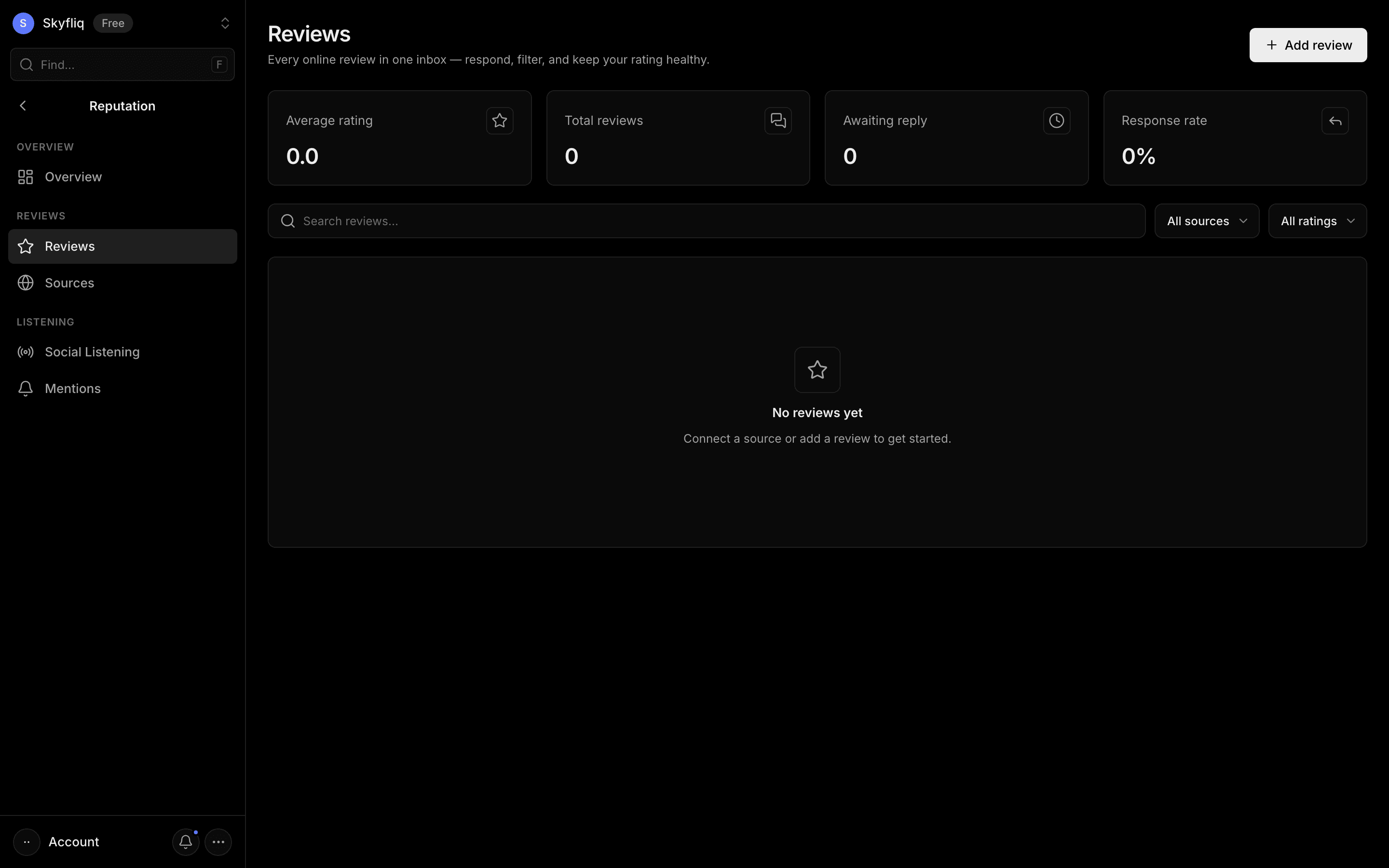
Unified review inbox to search, filter by source/rating, respond, add, and delete customer reviews.
PurposeManage every online review in one inbox and keep your rating healthy.
app.skyfliq.com/reputation/reviews Open
How to use
- 1Search and filter reviews by source or star rating.
- 2Click Respond to reply, then Send reply.
- 3Use Add review to log a review captured elsewhere.
- 4Open the row menu to Respond or Delete a review.
Use caseFilter unanswered Google reviews and send a reply to keep your response rate healthy.