Reputation Mentions
Live feed of brand mentions filterable by platform and sentiment, showing author, reach, and recency.
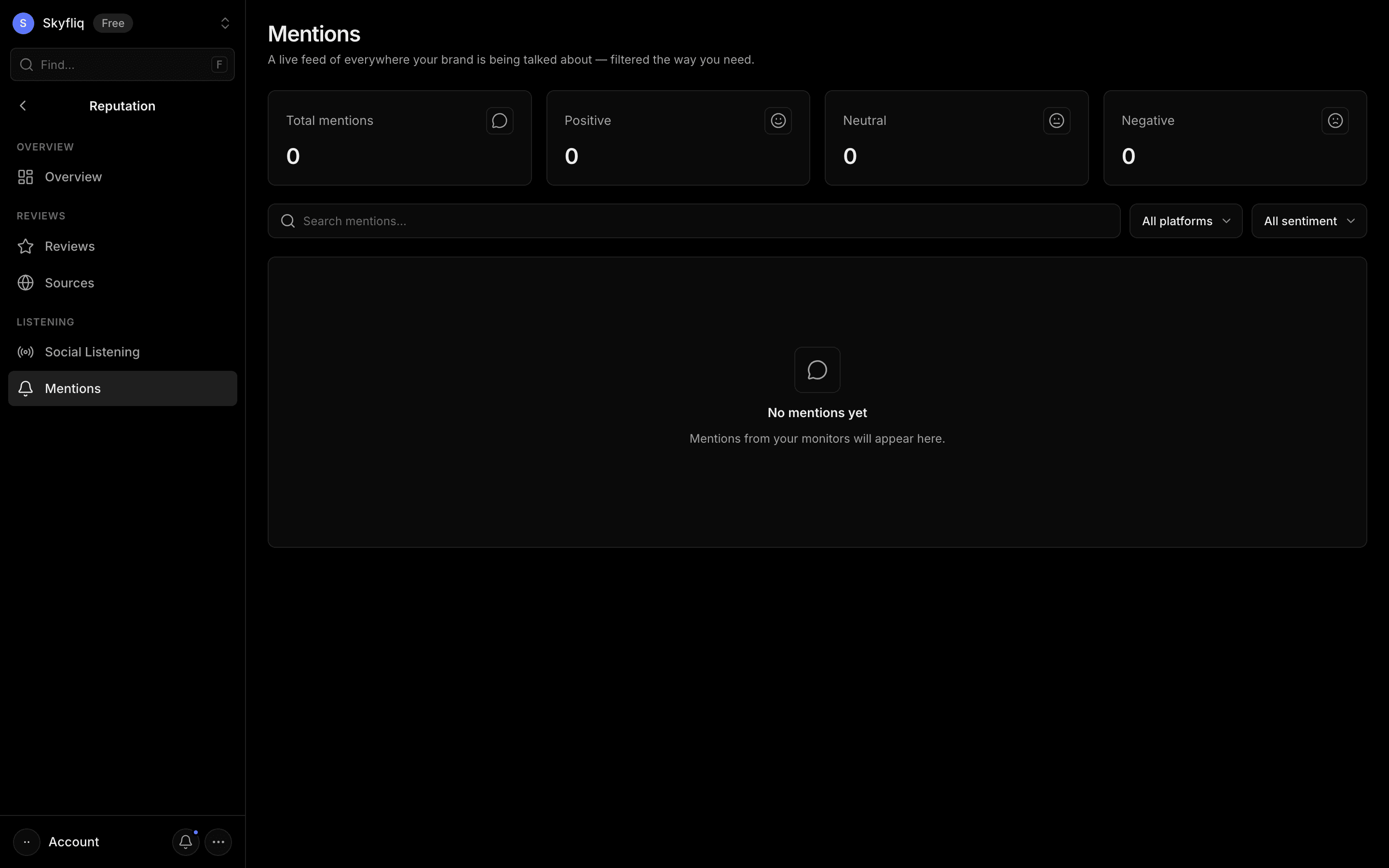
- 1Search mentions by author or text.
- 2Filter by platform or sentiment using the dropdowns.
- 3Scan each row for reach, sentiment, and timing.
- 4Clear filters to see the full feed again.
About Reputation Mentions
Mentions is the feed of everything said about your brand that Skyfliq has collected or you've logged. Mentions arrive automatically from your Social Listening monitors (Google News and Hacker News), and you can add any other mention by hand with Add mention — a tweet, an Instagram post, a LinkedIn comment, a YouTube video, a blog post or a news story you spotted.
Each row shows the author or outlet, the platform, what they said, its reach or engagement, its sentiment and how long ago it appeared, with a button to open the original. For collected mentions, engagement is upvotes or points plus comments on the source, and sentiment is scored automatically with a simple word list, so it can misread sarcasm. For mentions you add, you set the sentiment and can add reach such as followers or views. Search by author or text, filter by platform and sentiment, and use the stat cards to see how many mentions are positive, neutral and negative.
Delete a mention that isn't really about you — for example a news story that uses your brand name for something else.
Common workflows
- Weekly sentiment check. Filter to Negative, open each mention and decide whether it needs a reply or a fix.
- Log what you find. When a customer posts about you on Instagram or X, add it with Add mention so your counts stay complete.
- Share good news. Filter to Positive and reuse the best mentions as social proof in posts and on your website.
Common questions
Where do automatic mentions come from?
From your Social Listening monitors, which search Google News and Hacker News about every hour.
Can I change the sentiment of a mention?
You choose the sentiment when you add a mention by hand. Collected mentions are scored automatically; delete any that are irrelevant.
Why don't I see posts from Instagram or X automatically?
Those networks don't let apps search posts by keyword, so log mentions from them with Add mention.
Related: Docs: social listening · Online reputation management guide · Social media crisis management