DocsForms
Product
Forms
8 pages/forms
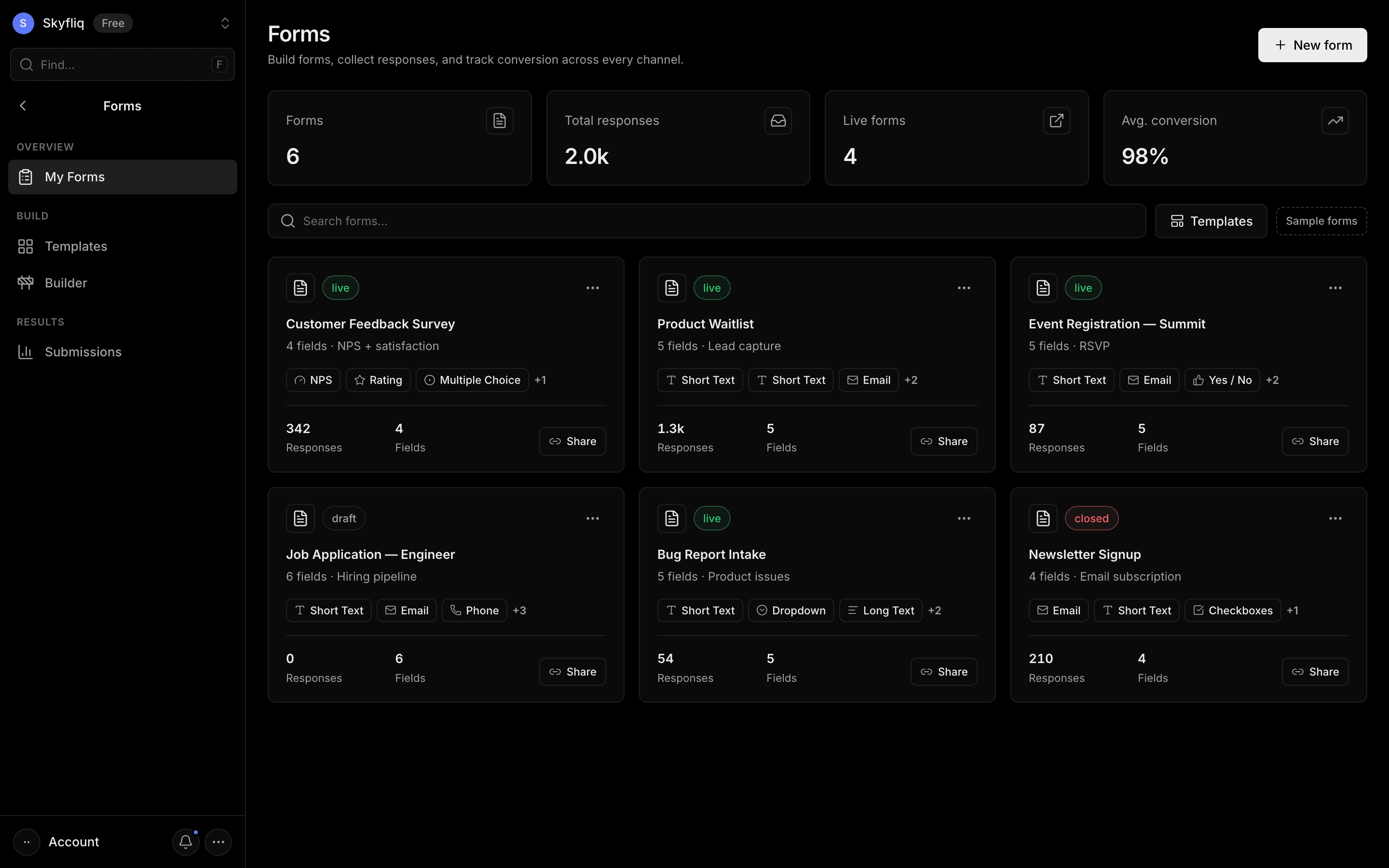
A form-building product to create forms, collect responses, and track conversion, with a searchable form grid.
PurposeThe Forms home for building forms, collecting responses, and tracking conversion.
app.skyfliq.com/forms Open
How to use
- 1Click New form to create and open the builder.
- 2Search forms or browse the grid of form cards.
- 3Click a card to edit, or use Share to copy its public link.
- 4Click Templates to start from a ready-made form.
Use caseBuild a lead-capture form, share its link, and monitor responses and conversion in one dashboard.
Pages in Forms
Each page below has its own guide — description, purpose, how to use, and a screenshot.
My FormsA grid of all your forms with response counts, field previews, status pills, share links, and quick actions.InsightsForm performance across all forms or one: opens, responses, completion rate, time to complete, a daily trend, a per-form table and question drop-off.TemplatesA category-filtered gallery of ready-made, fully editable form templates you can turn into a draft.SubmissionsA submissions table across all forms with search, status/form filters, a detail drawer, and CSV export.ContactsEveryone who submitted one of your forms, one row per email, with the forms they answered, response count and CRM status.CampaignsEmail a published form's link to a list of people and track sends, opens and responses per campaign.AutomationsRules that run on every completed response: email yourself, auto-reply to the respondent, add them to the CRM or post to a webhook.Form settingsWorkspace-wide form settings that apply to every form: the notification email for new responses, the "Powered by" badge, and reCAPTCHA.