Forms · Results
Submissions
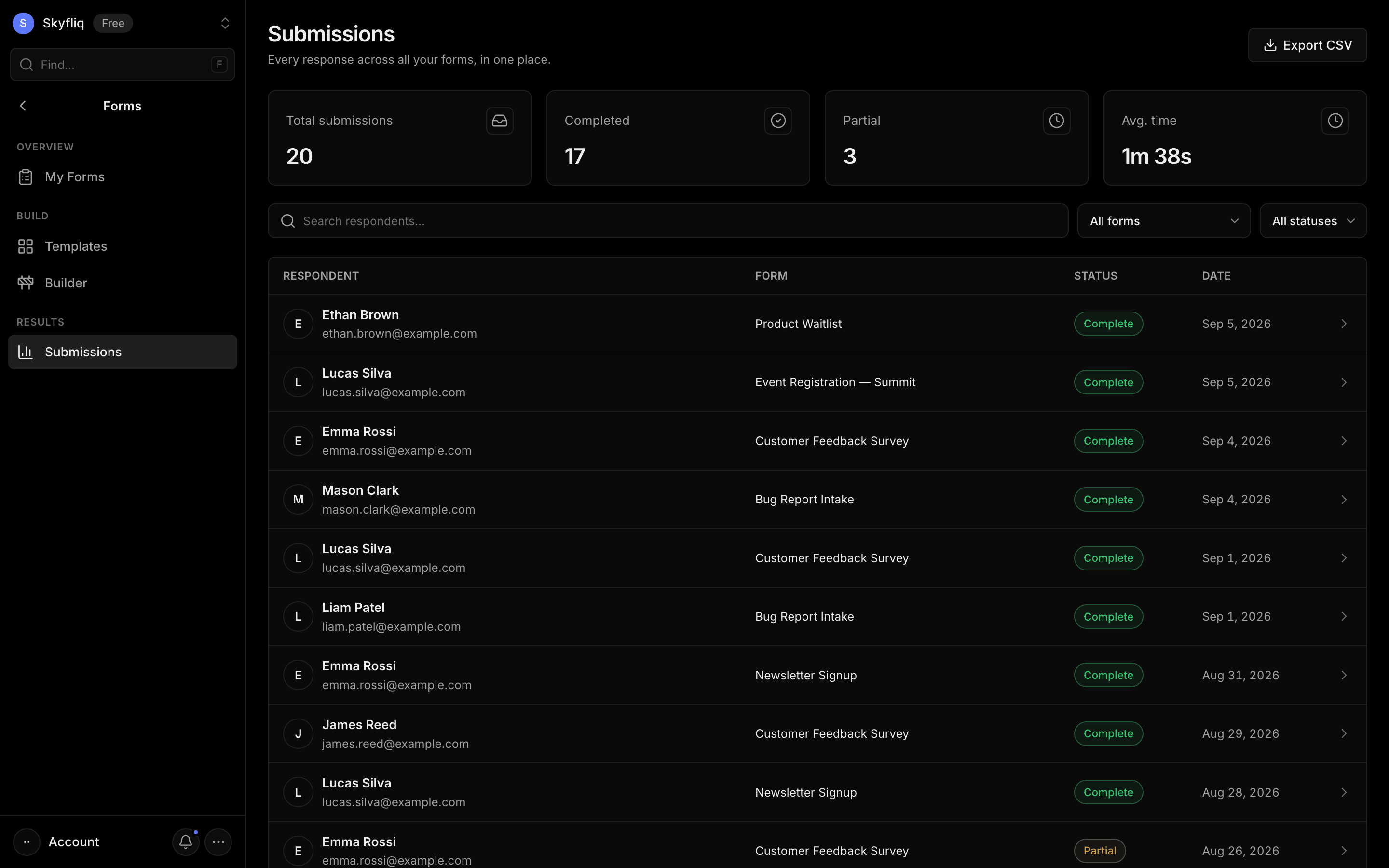
A submissions table across all forms with search, status/form filters, a detail drawer, and CSV export.
PurposeEvery response across all forms in one place, with filtering, detail view, and CSV export.
app.skyfliq.com/forms/submissions Open
How to use
- 1Search respondents by name or email.
- 2Filter by form and by Complete/Partial status.
- 3Click a row to open the response detail drawer.
- 4Click Export CSV to download the filtered submissions.
Use caseOpen a respondent's drawer to read their full answers, or export all submissions to CSV.